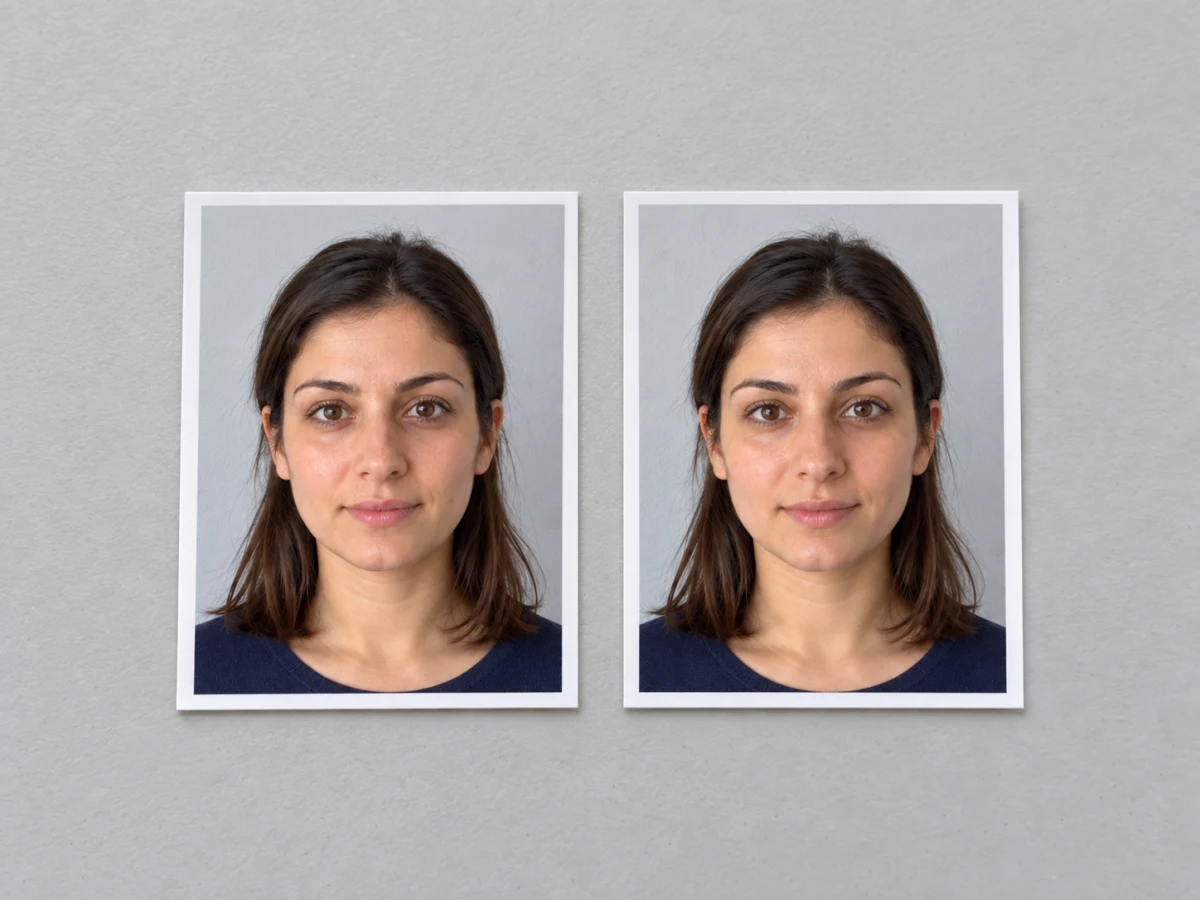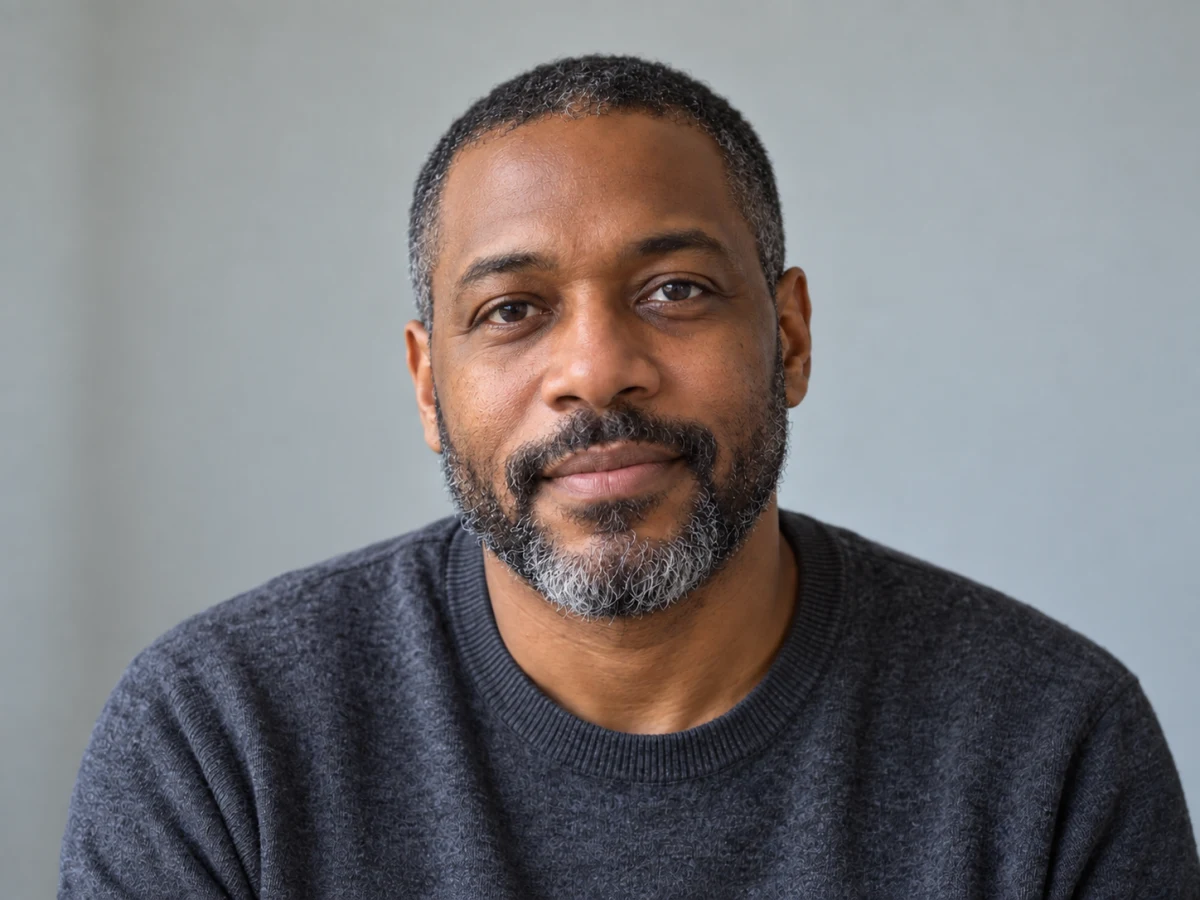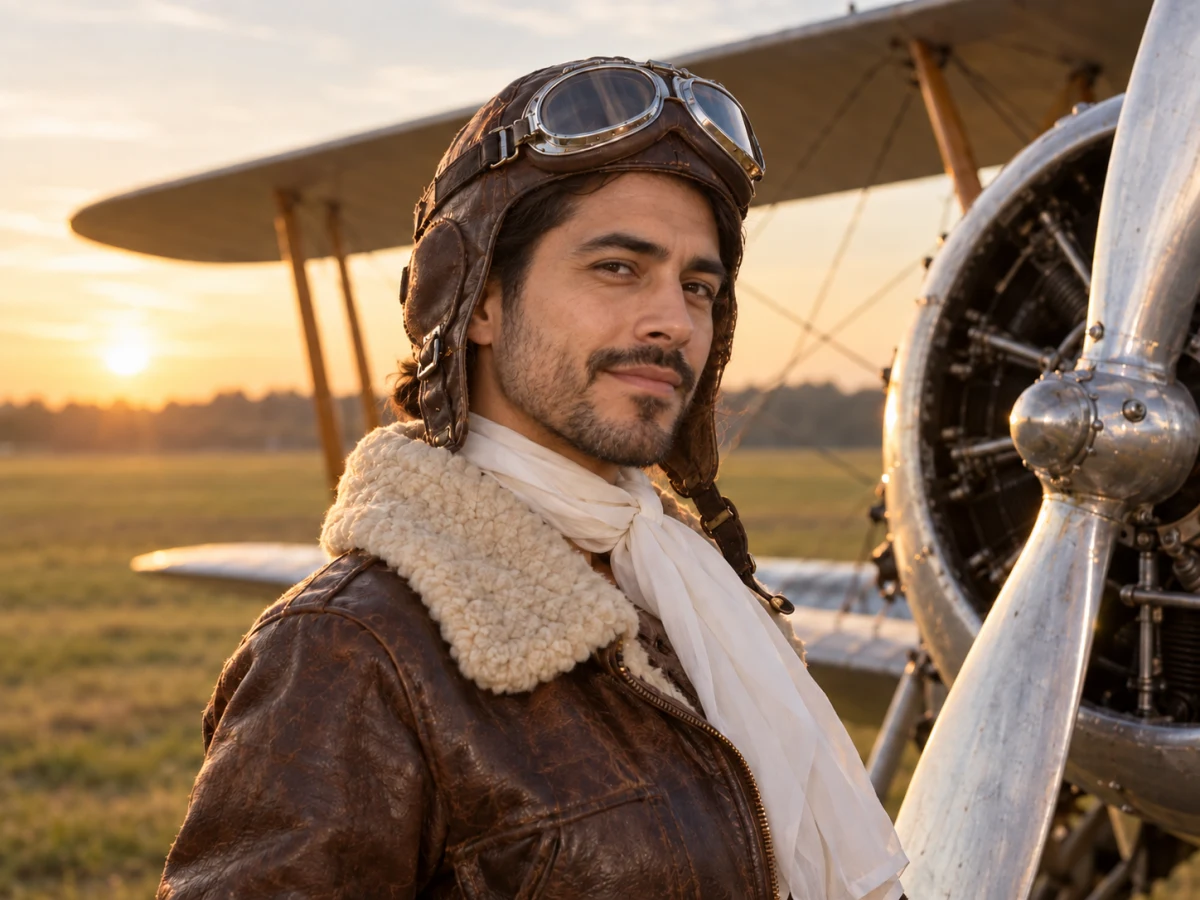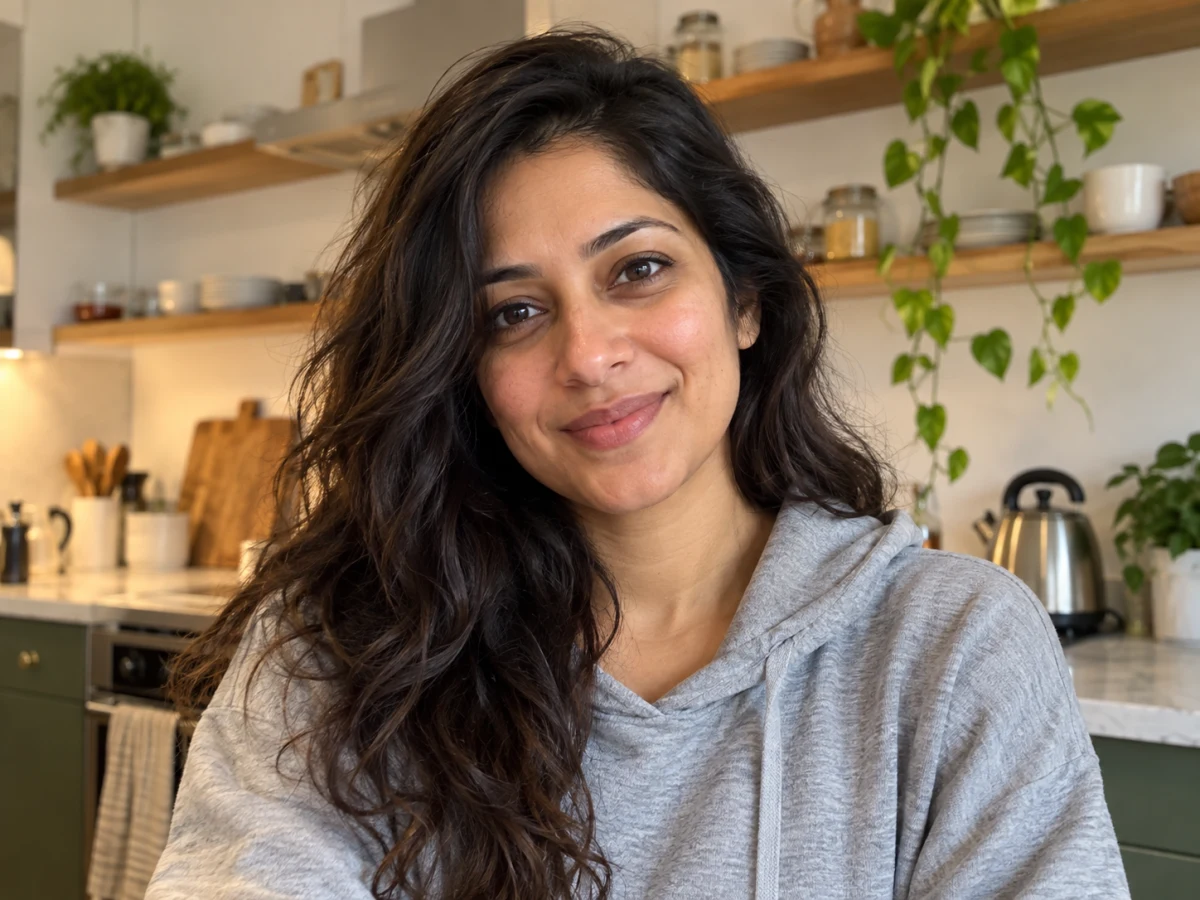
Options
Upload a clear selfie
JPG · PNG · WebP · HEIC — up to 25 MB
Clothing
Output resolution
If processing fails, your credits are refunded automatically.
What a professional headshot is expected to look like
There is no official standard for a LinkedIn or CV photo, but recruiters and HR teams have fairly consistent expectations. The table sums up what is typically expected for each use.
| Use | Framing | Background | Attire |
|---|---|---|---|
| LinkedIn profile | Head and shoulders, face fills about 60% of the circle crop | Plain or softly blurred, not distracting | What you would wear to meet a client |
| CV / résumé | Head and upper chest, looking at the camera | Light, neutral (white or grey) | Business or smart casual |
| Company or team page | Same framing as colleagues for a consistent grid | Match the team's backdrop (often grey or white) | Follow the company's dress code |
| Speaker or author bio | Slightly wider, a bit more personality | Outdoor or dark backdrop works well | Your usual professional style |
| Conference or office badge | Tight head shot, face centred | Plain and light for printing | Anything tidy |
Typical expectations, not official rules. For passports and ID cards, use the passport photo maker, which follows each country's published requirements.
Face first
A headshot is judged in a thumbnail. Keep your face large in the frame, eyes sharp and looking at the lens.
A quiet background
Kitchens, cars and holiday scenery pull attention away from you. A neutral backdrop keeps the focus where it belongs.
Consistent across profiles
Using the same headshot on LinkedIn, your CV and email signature makes you easier to recognise.
Why AI headshots can look off — and how the presets avoid it
Most bad AI headshots fail in the same ways: a face that drifts into someone else, plastic skin, or a backdrop that fights the lighting. The presets are written to keep those in check.
Four backdrops, lit to match
Corporate grey, Studio white, Outdoor and Dark each come with lighting that suits them, so the face and background look like one photo.
Business attire or keep your clothes
Choose Business attire for a dark blazer with a plain top, or Keep my clothes to only tidy what you are already wearing.
Identity over flattery
The instructions ask the model to keep your face shape, features, skin tone and age, and to leave natural skin texture instead of beautifying.
Consent and honest use of AI headshots
A headshot represents a real person. Use it the way you would use a photo from a studio session.
Your own selfie
Upload photos of yourself, or of someone who has asked you to make their headshot. Do not create headshots of people without their permission.
Not for ID documents
Passports, visas and ID cards need an unedited photo. Use the passport photo maker for those, not an AI-generated portrait.
Labelled as AI
Every result carries metadata saying it was AI-generated by PixToolery, so the image stays honest about how it was made.
AI Headshot Generator: questions
How much does the AI headshot generator cost?
A headshot costs 2 credits at 1K, 3 credits at 2K (Popular pack and above) and 4 credits at 4K (Pro pack and above). Without an account you get one free try per day. If a run fails, the credits are refunded automatically.
What kind of selfie gives the best AI headshot?
A sharp, front-facing selfie in even daylight, with your whole face visible and no sunglasses. Avoid heavy filters and strong wide-angle distortion from holding the phone too close.
Will the headshot still look like me?
The prompt asks the model to keep your features, skin tone, age and hairline, and GPT Image 2.5 is good at keeping likeness. Small changes can still happen; if a result drifts, run it again or try another backdrop.
Can I use an AI headshot on LinkedIn or my CV?
Yes, that is what it is designed for. It should show you as you are today, so pick the result that is closest to how you look in person.
Can I use it as a passport or ID photo?
No. Official documents require an unedited photo taken under specific rules. The passport photo maker crops and sizes a real photo to each country's requirements instead.
What happens to my selfie after processing?
Location and camera metadata are stripped when you upload. Files are kept for your plan's retention period (24 hours for guests) and you can delete them any time in Account → Files.
Related tools
Other Portrait tools people use alongside this one.
- FREEIn browser
Passport Photo Maker
Crop to the official size with a head-position guide, print-ready.
- Runs in
- Browser
- Max upload
- 50 MB
Portrait - AI · 2 crAI
AI Photo Retouch
Smooth skin, fix light and tidy details.
- Runs in
- Cloud GPU
- Max upload
- 25 MB
AI Edit - AI · 2 crAI
Face Swap
Swap faces between two photos you have rights to.
- Runs in
- Cloud GPU
- Max upload
- 25 MB
Portrait