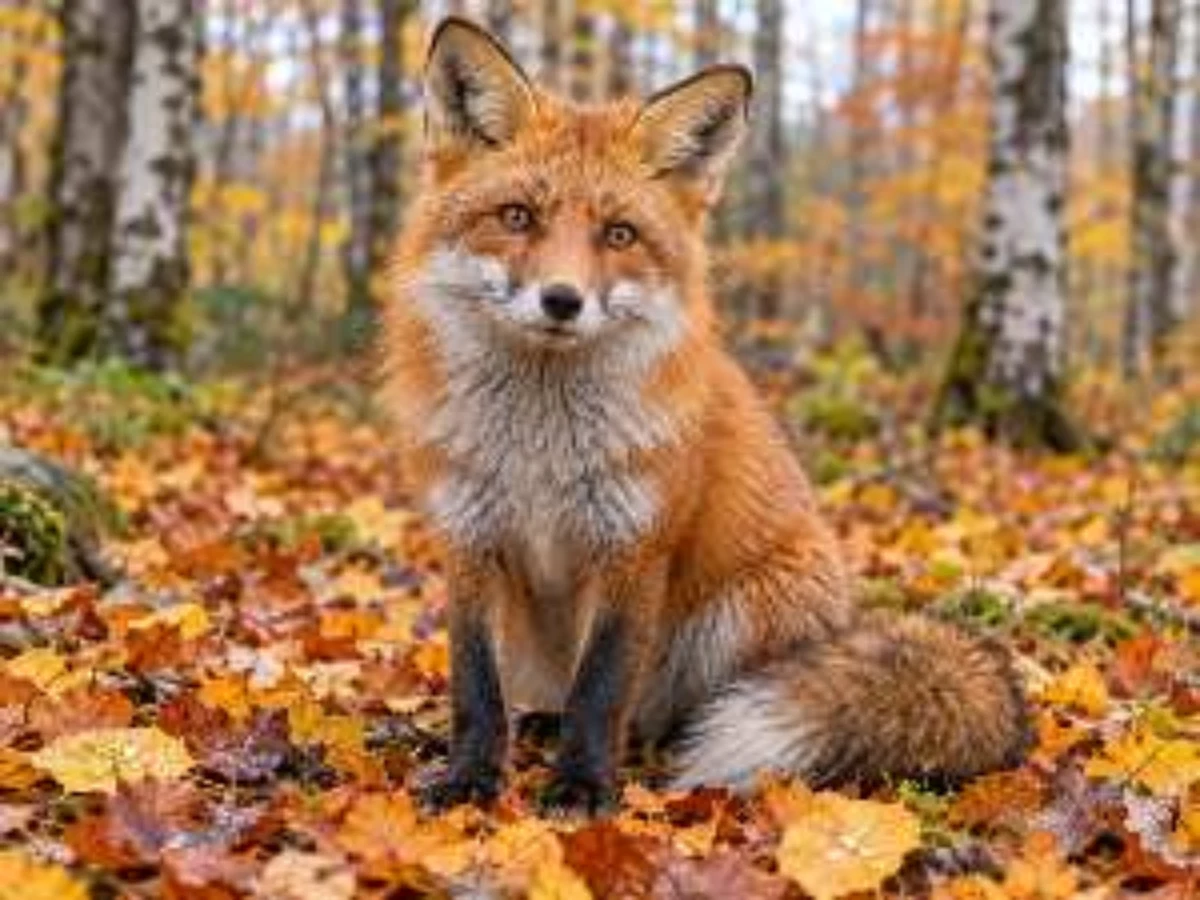
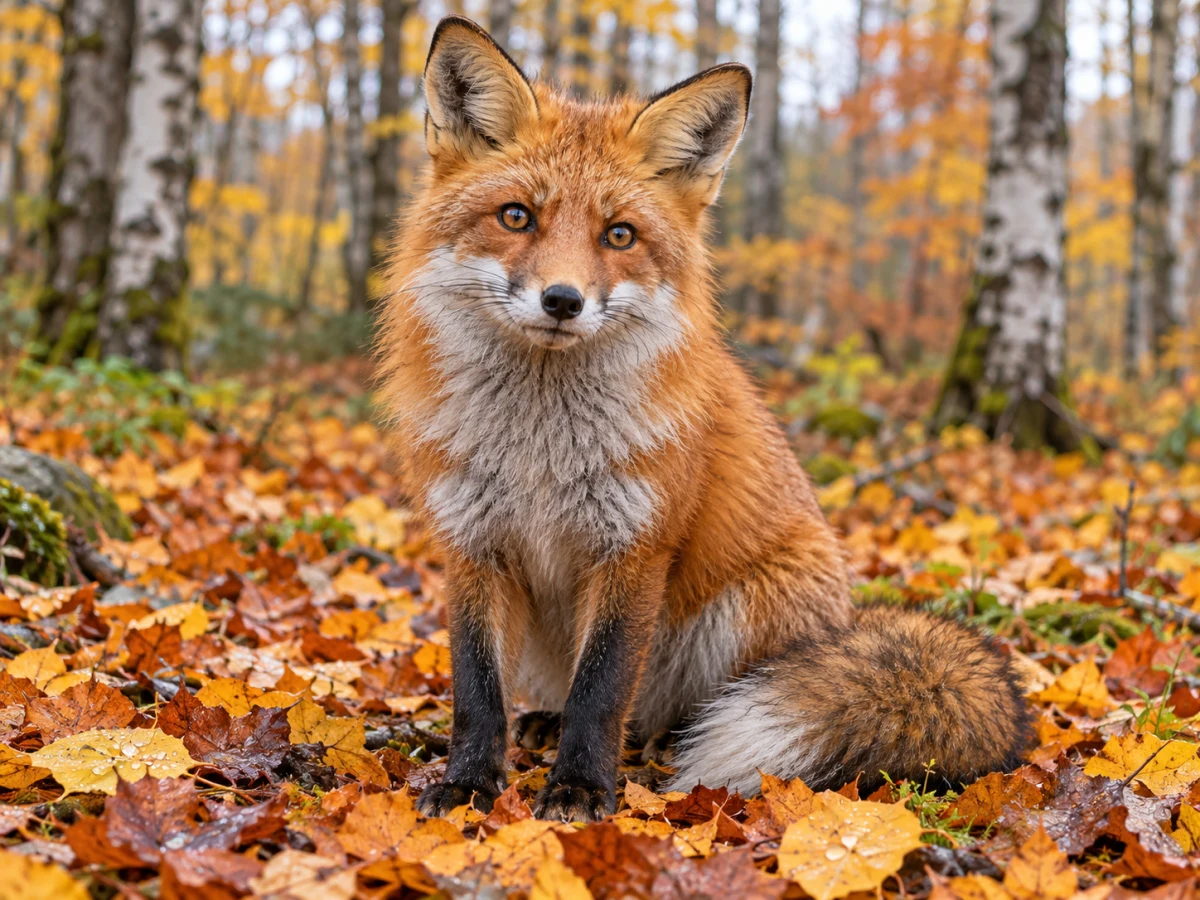
Options
Use your own photo
JPG · PNG · WebP · HEIC — resized to fit automatically
The model determines the enlargement. Download the native result; its actual dimensions appear below the preview.
Uploads above about 2 megapixels (2048 px) are reduced first — upscaling is for small images.
If processing fails, your credits are refunded automatically.
Upscaling results by type of image
An AI upscaler adds plausible fine detail where a normal resize only stretches pixels. How convincing that detail looks depends on what's in the picture.
| Image | What you get | Watch out for |
|---|---|---|
| Product photo or logo | Clean straight edges, crisp lettering | Very small text may be re-drawn slightly |
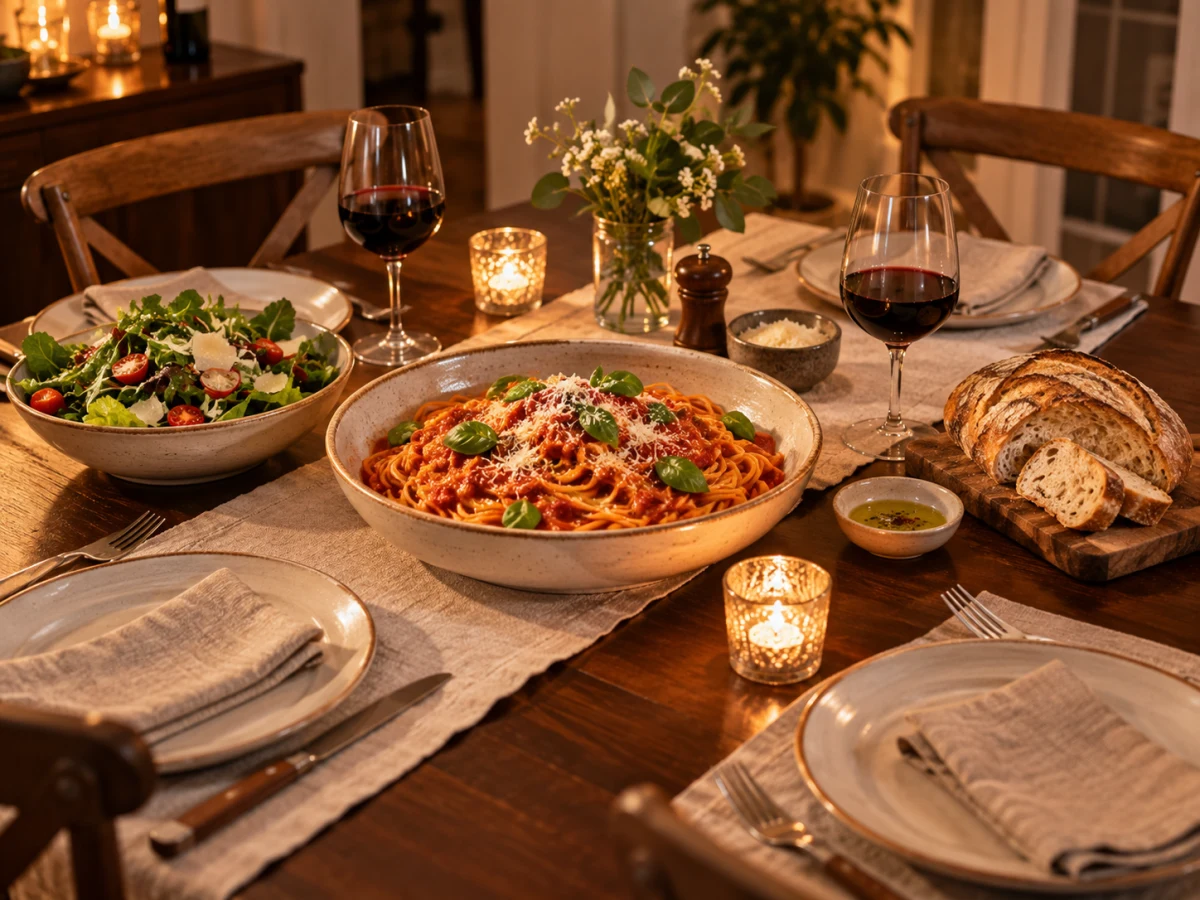
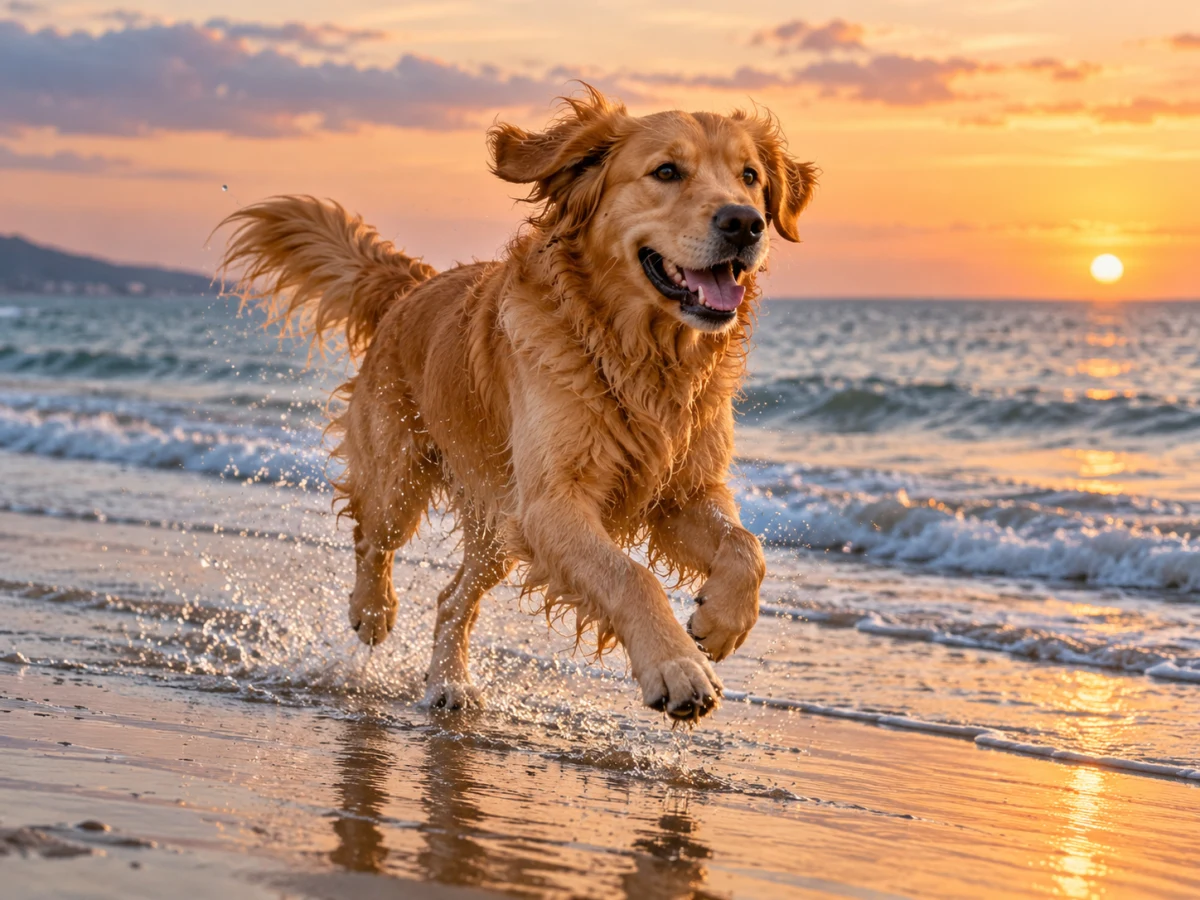
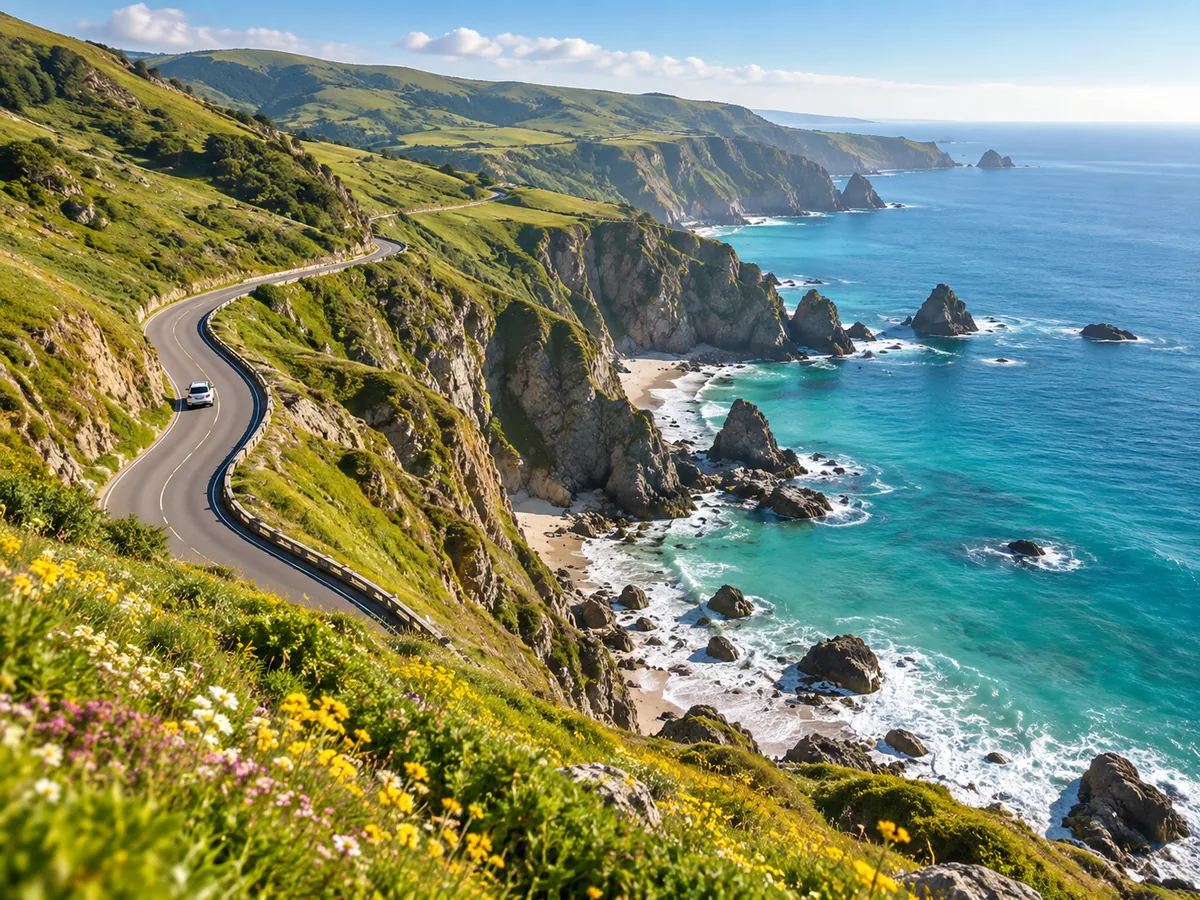
| Landscape, food, animals | Convincing texture in grass, fur and fabric | Heavy JPEG blocks become visible texture |
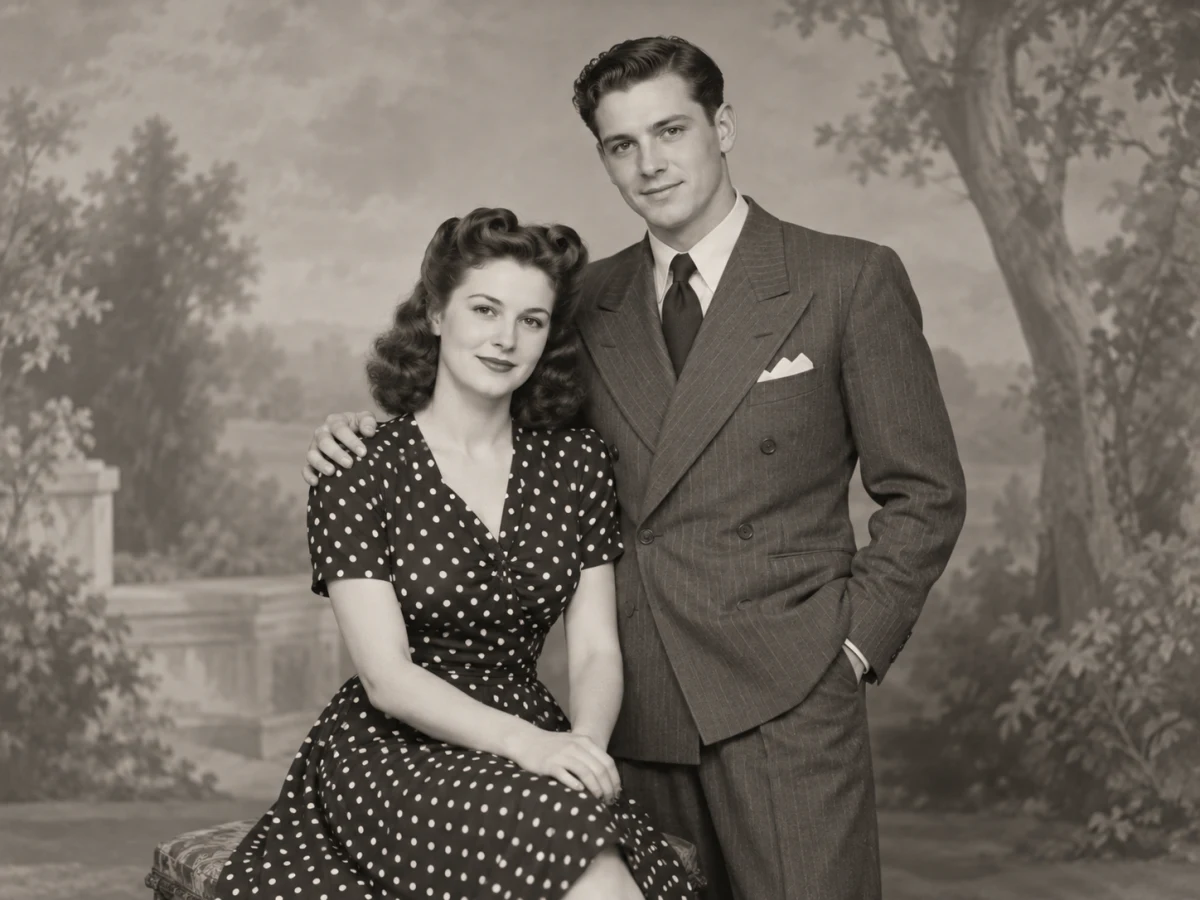
| Portrait | Sharper eyes and hair | Tiny faces in a crowd are not reconstructed |
| Screenshot or illustration | Smooth lines and flat colours | Pixel art loses its hard pixels |
Start from the best copy you have
An original from your phone beats a screenshot of it, and a screenshot beats a thumbnail saved from a chat app.
Blurry is a different problem
Upscaling adds pixels to a sharp but small image. For motion blur or missed focus, use Unblur Image first.
How AI upscaling differs from resizing
A classic resize averages neighbouring pixels, which spreads edges into blur. The upscaler here is Recraft's Crisp Upscale model, trained to predict the sharp edge a higher-resolution camera would have captured.
Faithful, not creative
It sharpens and enlarges what is there rather than repainting the scene, so layout, colours and text stay where they were.
Download the native result
The result retains the model’s native dimensions. No additional resize is applied or charged.
What it can't recover
A face that is ten pixels wide or a licence plate that's unreadable won't become readable. The model adds detail; it doesn't know the truth.
When a bigger image is worth it
Upscaling pays off when the destination needs more pixels than you have.
Printing a photo
Check the output dimensions against the size your print requires before downloading.
Old digital camera files
Photos from early phones and 2-megapixel cameras look soft on today's screens; 2× brings them in line.
Listings and slides
A supplier's small product image or a logo from an email signature can be enlarged for a full-width slide or zoomable listing.
Image Upscaler: questions
How do I upscale an image without losing quality?
Upload a small image and run the AI upscaler. Inspect the result for sharper edges and texture before downloading.
What's the largest image the upscaler can produce?
Large inputs are reduced before processing. The model determines the final dimensions, shown below the result preview.
How much does an enlargement cost?
One run costs 1 credit. Downloading the completed result does not run the model again.
Will the upscaler fix a blurry photo?
Only mildly soft ones. Motion blur and missed focus need a model that rebuilds detail; use Unblur Image for those, then upscale the result if you still need more pixels.
Which formats can I upscale?
JPG, PNG, WebP and HEIC photos. Your browser converts anything else the model doesn't accept before upload, and the result downloads as a PNG.
Is it OK to upscale images I found online?
Upscaling doesn't change who owns an image. Use it on your own photos or images you're licensed to use; uploads stay private and are deleted automatically.
Related tools
Other Enhance tools people use alongside this one.
- AI · 1 crAI
Photo Enhancer
Fix light, colour and noise automatically.
- Runs in
- Cloud GPU
- Max upload
- 25 MB
Enhance - AI · 1 crAI
Unblur Image
Recover detail from soft or shaky photos.
- Runs in
- Cloud GPU
- Max upload
- 25 MB
Enhance - AI · 2 crAI
Restore Old Photo
Repair scratches, tears and fading.
- Runs in
- Cloud GPU
- Max upload
- 25 MB
Enhance - FREEPopular
Resize Image
Set exact pixel sizes or scale by percentage.
- Runs in
- Browser
- Max upload
- 50 MB
Optimize