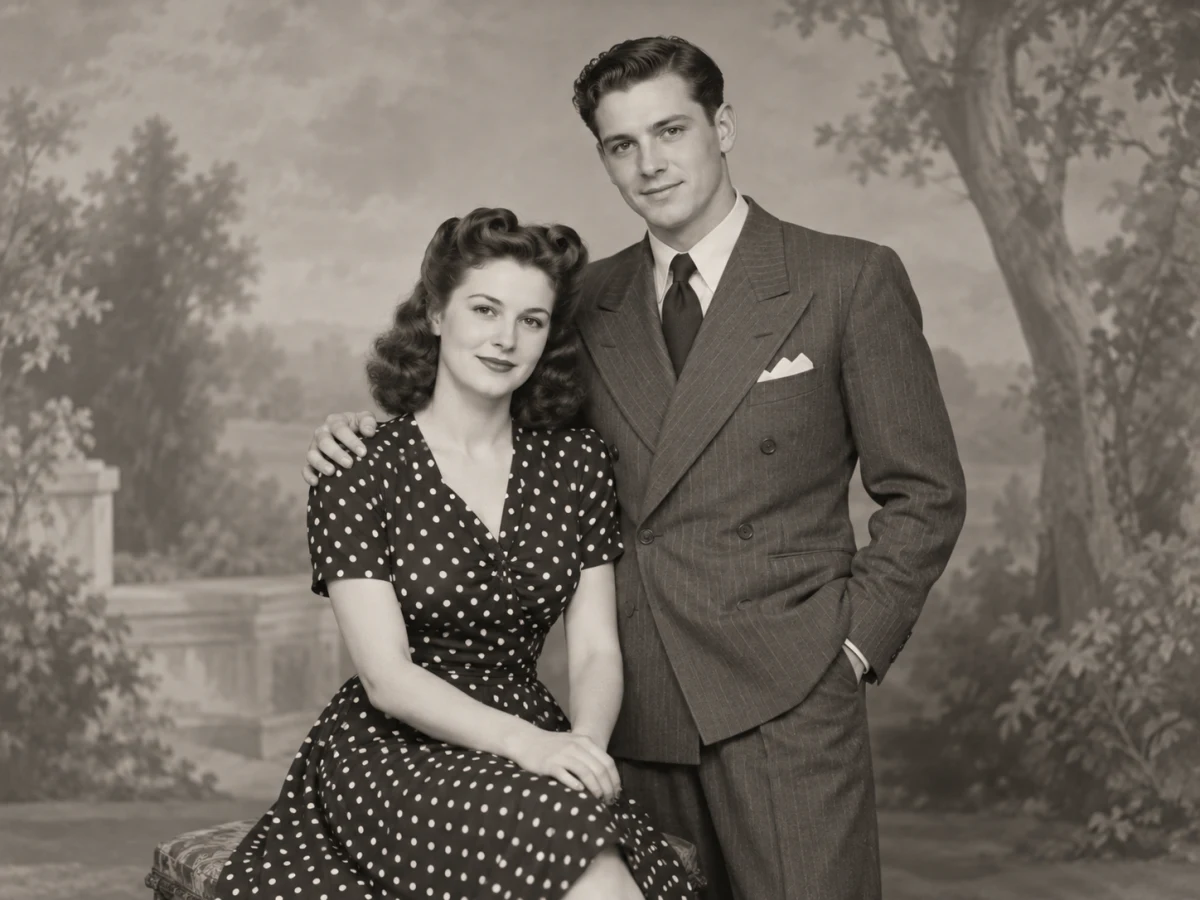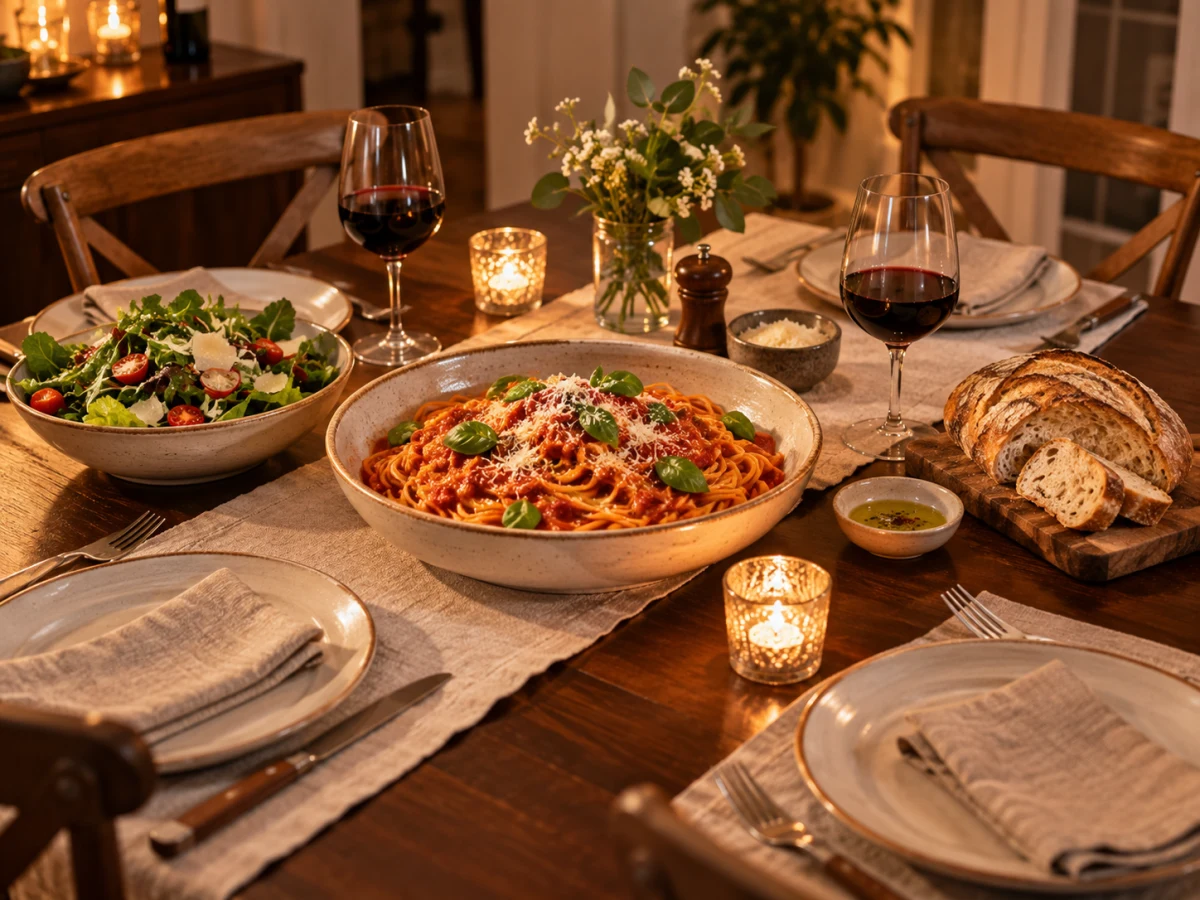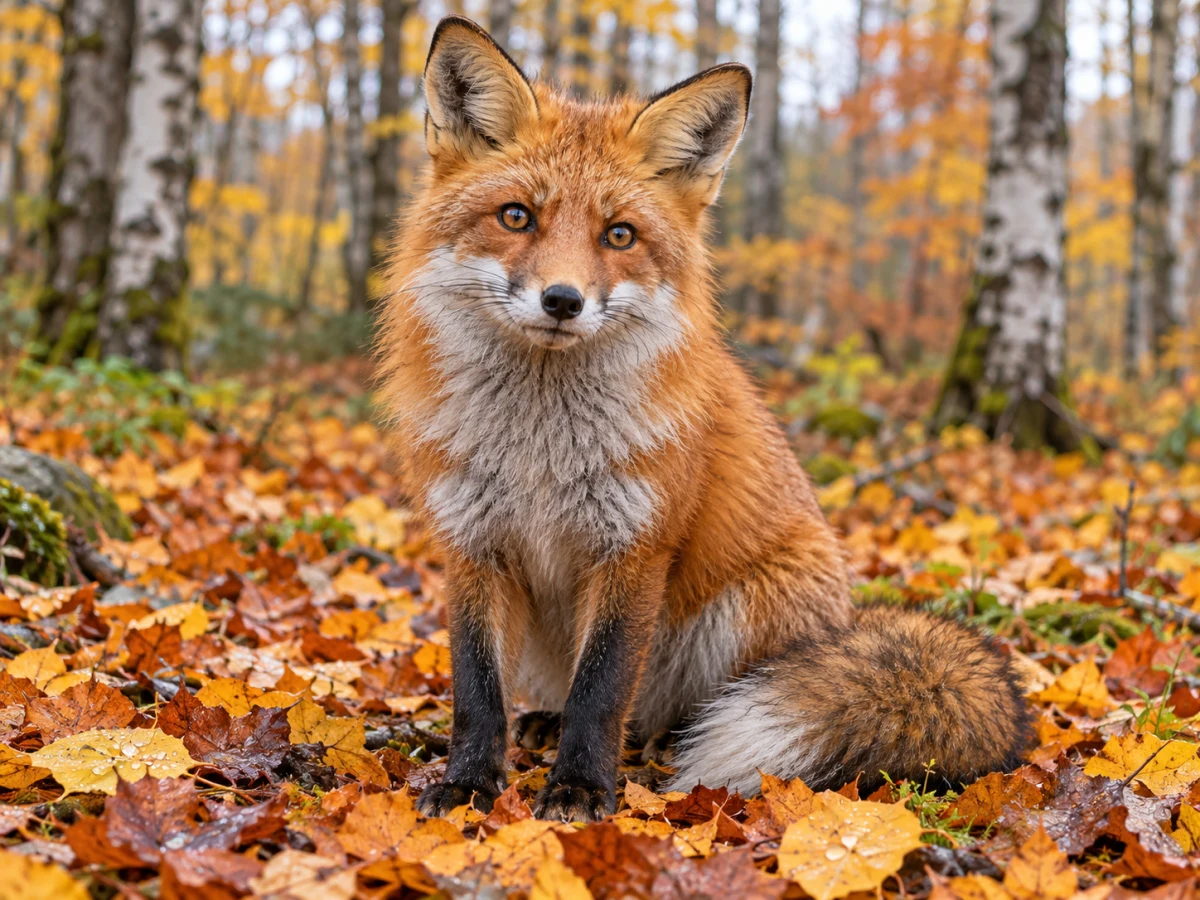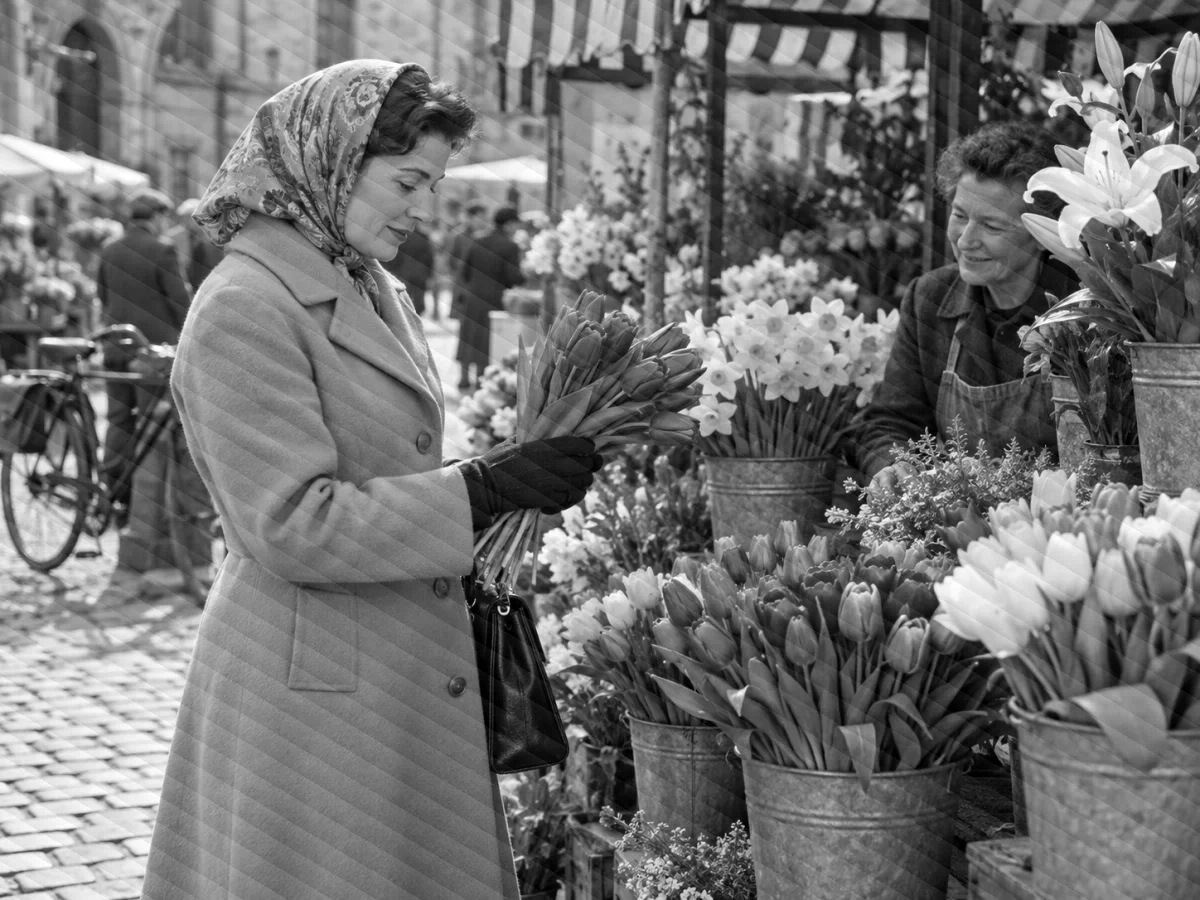
Options
Use your own photo
JPG · PNG · WebP · HEIC — resized to fit automatically
What changes
- Natural skin tones
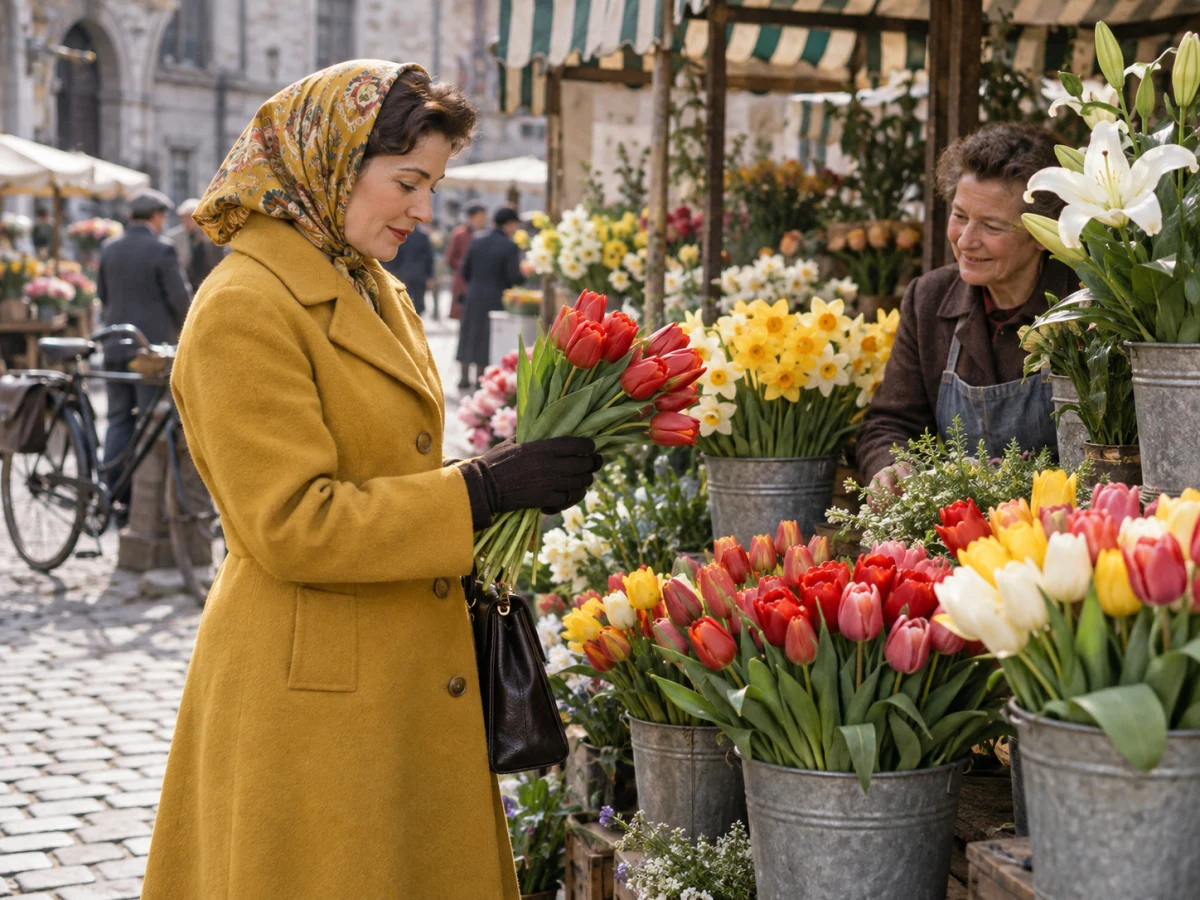
- Period-appropriate clothes, cars and buildings
- Believable sky, foliage and materials
- Grain, framing and faces left unchanged
If processing fails, your credits are refunded automatically.
Photos that colorize convincingly
The model has to infer colour from shades of grey. Some subjects give it plenty to go on; others leave it guessing.
| Subject | Colour accuracy | Why |
|---|---|---|
| Skin, sky, grass, trees | High | Their colours are predictable |
| Uniforms, cars, shop fronts | Good | Guided by era and setting |
| A specific dress or painted door | A guess | The true colour isn't in a grey photo |
| Heavily damaged print | Uneven | Restore it first, then colorize |
Restore before you colorize
Scratches and stains pick up colour too. Run Restore Old Photo first and colorize the clean result.
Sepia and toned prints
Brown or blue-toned prints work too; the tint is replaced with full natural colour.
How AI colorization works
An image model trained on millions of colour photos predicts the most likely colour for each area, guided by a fixed brief: natural, era-appropriate colour and nothing else changed.
Only colour is added
The brief forbids repairing, restyling or cropping, so faces, grain and framing stay as in your scan.
No oversaturated tints
Early colorizers washed everything in the same brown or teal. The model is told to avoid uniform tints and aim for believable colour.
It's an interpretation
Colour that wasn't recorded can't be recovered, only estimated. Treat the result as a likely version, not a historical record.
Ideas for colorized photos
Colour makes old pictures feel close. A few ways people use them:
Family reunions and anniversaries
Show the black-and-white original next to the colour version — the pair usually starts the best conversations.
Local history and school projects
A colorized street scene makes a town's past easier to picture for a class or a local newsletter.
Framed prints and gifts
Upscale the colorized version and print it as a gift for the people in the photo or their children.
Colorize Photo: questions
How do I colorize a black and white photo?
Upload a scan or photo of the picture and click Colorize. The AI adds natural colour in one pass and shows it beside the original with a before/after slider.
Are the colours historically accurate?
They're plausible for the era and setting, not guaranteed. Skin, sky and foliage are usually right; a specific coat or car colour is an educated guess because a grey photo doesn't record it.
Will colorizing repair scratches too?
No — it only adds colour, so damage stays and gets coloured too. Restore the photo first, then colorize the restored version.
How much does it cost to colorize a photo?
2 credits per photo, with one free try a day without an account. If the colorization fails, both credits are refunded automatically.
Can I colorize a photo that's already in colour?
It's made for black-and-white and sepia. For a faded colour print, Restore Old Photo brings the original colours back instead of inventing new ones.
Can I print or publish colorized photos?
Yes, for photos you own or have rights to. When you publish one, say it's colorized so readers don't mistake it for an original colour photograph.
Related tools
Other Enhance tools people use alongside this one.
- AI · 2 crAI
Restore Old Photo
Repair scratches, tears and fading.
- Runs in
- Cloud GPU
- Max upload
- 25 MB
Enhance - AI · 1 crAI
Photo Enhancer
Fix light, colour and noise automatically.
- Runs in
- Cloud GPU
- Max upload
- 25 MB
Enhance - AI · 1 crPopular
Image Upscaler
Enlarge small photos with AI detail.
- Runs in
- Cloud GPU
- Max upload
- 25 MB
Enhance