Options
Use your own photo
JPG · PNG · WebP · HEIC — resized to fit automatically
What changes
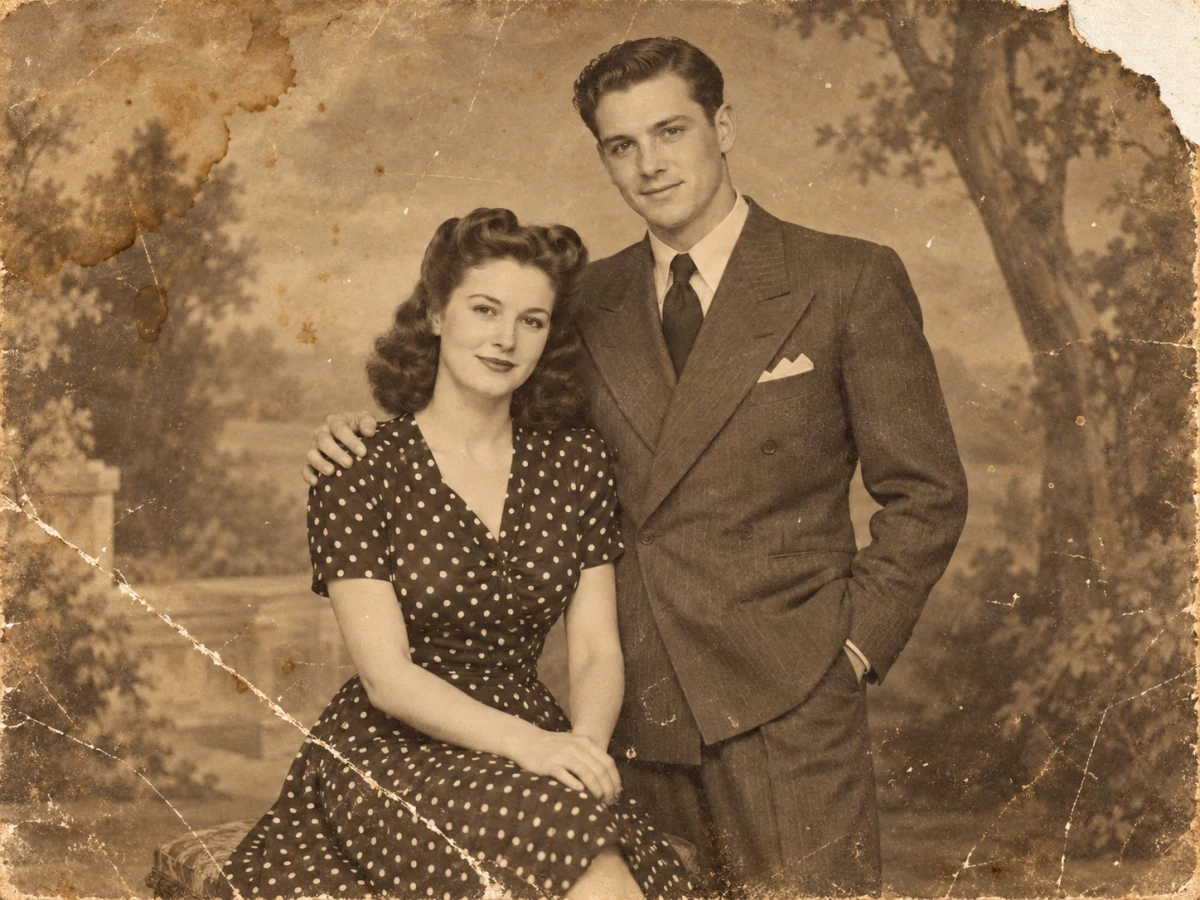
- Scratches, cracks, dust and spots removed
- Tears, folds and missing corners filled
- Fading and contrast fixed
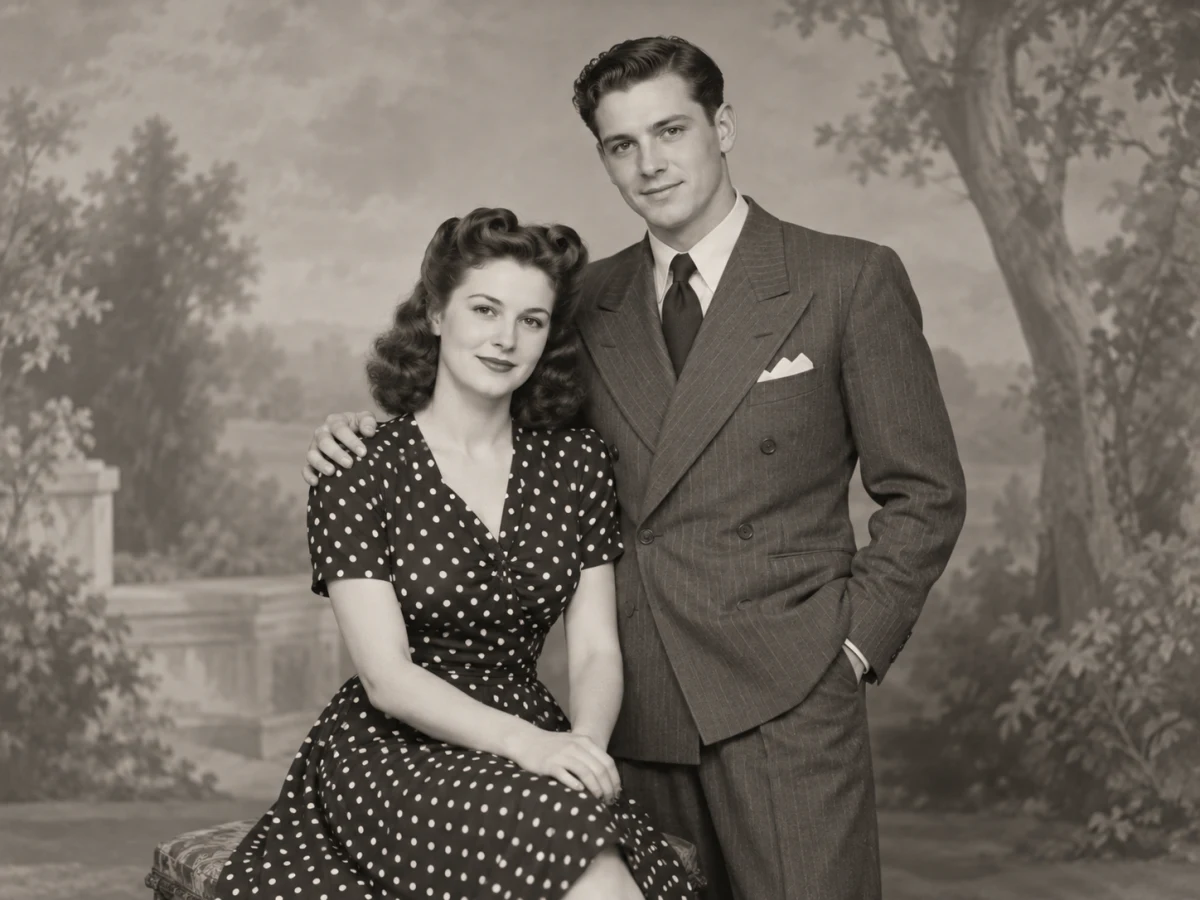
- Faces kept as they are; black-and-white stays black-and-white
If processing fails, your credits are refunded automatically.
Damage the restorer handles, from dust to torn corners
Old prints suffer in predictable ways. Most are repaired convincingly; a few need realistic expectations.
| Damage | Result | Note |
|---|---|---|
| Dust, specks, fine scratches | Removed cleanly | The easiest case |
| Creases and cracked emulsion | Smoothed out | Deep cracks through a face are rebuilt, check them |
| Water stains and fading | Contrast and tone restored | Faded colour prints get their colours back |
| Large missing areas | Filled plausibly | Invented content — not a record of what was there |
Scan at a good resolution
A flatbed scan at 600 dpi, or a phone photo taken straight on in daylight without glare, gives the model the most to work with.
Colour is a separate step
Restoration keeps black-and-white photos black-and-white. To add colour, send the restored result to Colorize Photo.
How AI photo restoration works
The photo goes to Nano Banana 2, an image-editing model good at telling damage from detail, with a fixed restoration brief.
Damage out, identity in
The brief lists every kind of damage to repair and orders faces, expressions, age, hairstyles and clothing to stay exactly as in the original.
No modernising
The model is told not to beautify or update anything, so the result looks like a well-kept print of the same moment, not a new photo.
When the fallback model runs
If Nano Banana 2 is unavailable, the same brief goes to GPT Image 2.5 automatically. You never pay twice.
Family archives worth restoring
A restored copy is easy to share, print and keep — the original can go back in the album.
Grandparents' portraits and weddings
Studio portraits from the 1920s–1960s restore especially well: good original focus, damage mostly on the surface.
Faded 1970s and 80s colour prints
Colour prints of that era drift to magenta or yellow. Restoration brings back the balance along with the contrast.
Memorials and family histories
A clean restored image prints well for a memorial board or a family tree book.
Restore Old Photo: questions
How do I restore an old photo online?
Scan the print or photograph it straight on without glare, upload it and click Restore photo. Scratches, stains, tears and fading are repaired in one pass, and the slider shows before and after.
Will restoring an old photo change the faces?
The model is instructed to keep every face, expression and age exactly as in the original. Where damage runs straight through a face, that part has to be rebuilt, so compare it closely.
Does it add colour to black-and-white photos?
No, on purpose — a restoration should respect the original. Use Colorize Photo on the restored result if you'd like a colour version too.
Why does photo restoration cost 2 credits?
It runs a full image-editing model rather than a simple filter. Failed restorations are refunded automatically, and you get one free try a day without an account.
How large is the restored photo?
About 1 megapixel, which suits screens and small prints. For a larger print, run the Image Upscaler on the restored version.
Is it safe to upload family photos?
Uploads are stored privately, stripped of location data and deleted automatically on your plan's schedule. We don't use them to train models, and you can delete them yourself from your account.
Related tools
Other Enhance tools people use alongside this one.
- AI · 2 crAI
Colorize Photo
Bring natural colour to black-and-white photos.
- Runs in
- Cloud GPU
- Max upload
- 25 MB
Enhance - AI · 1 crAI
Photo Enhancer
Fix light, colour and noise automatically.
- Runs in
- Cloud GPU
- Max upload
- 25 MB
Enhance - AI · 1 crPopular
Image Upscaler
Enlarge small photos with AI detail.
- Runs in
- Cloud GPU
- Max upload
- 25 MB
Enhance