Options
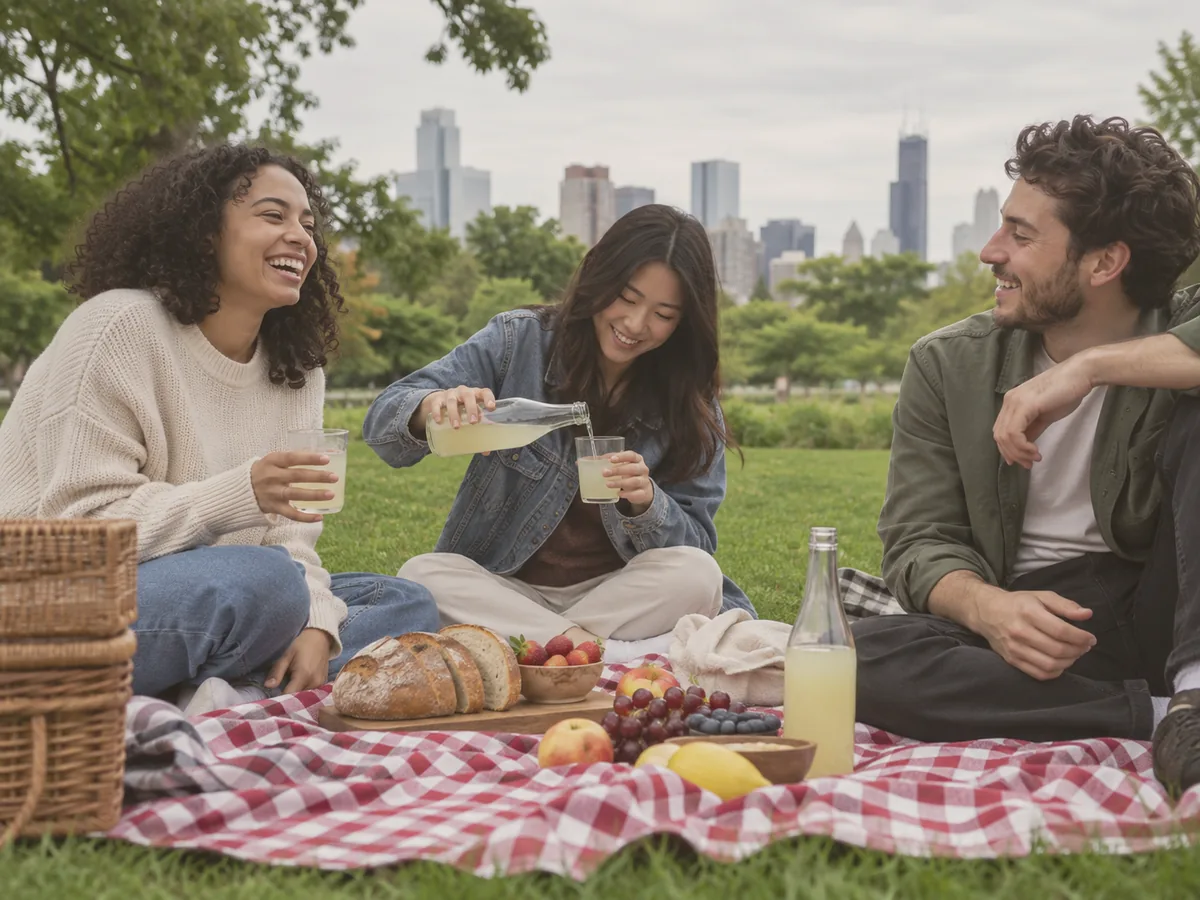
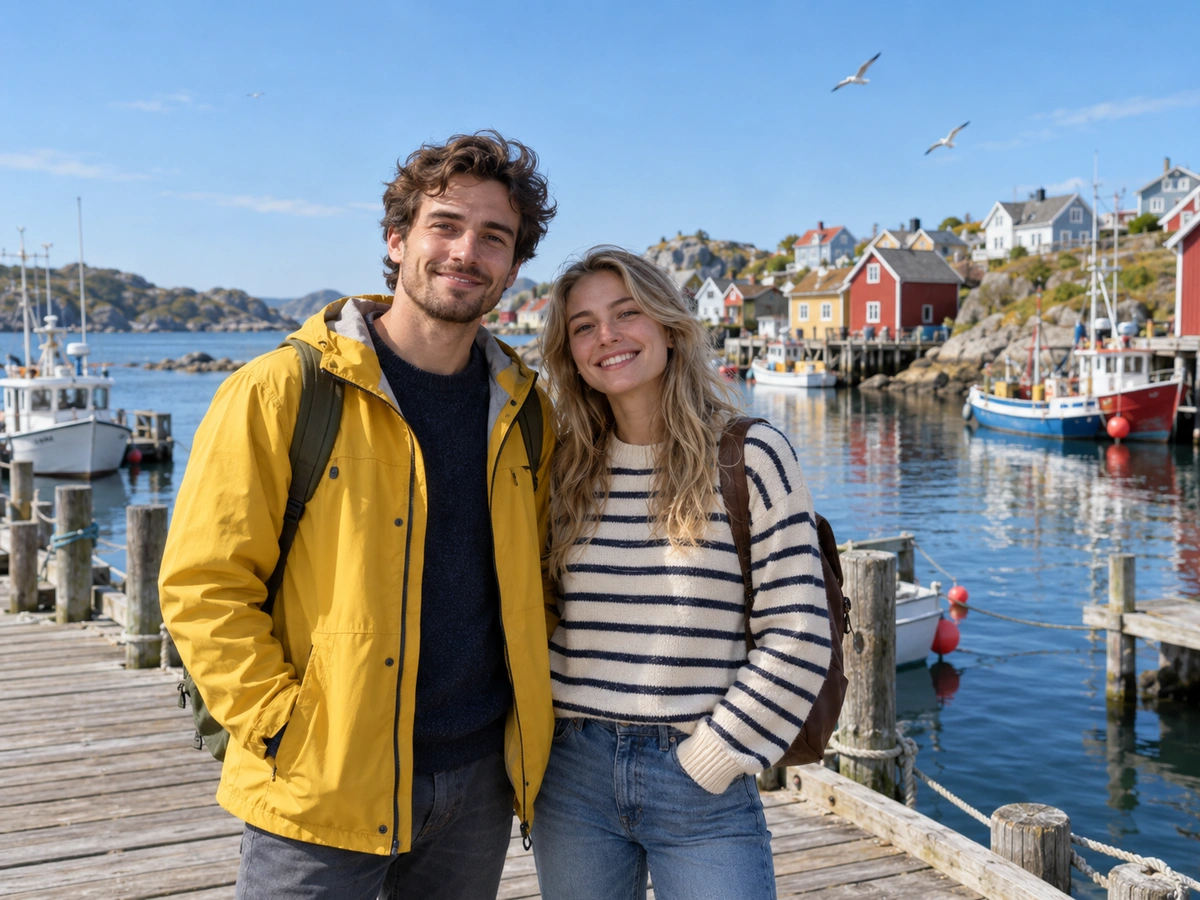
Upload a photo
JPG · PNG · WebP · HEIC — up to 25 MB
Output resolution
If processing fails, your credits are refunded automatically.
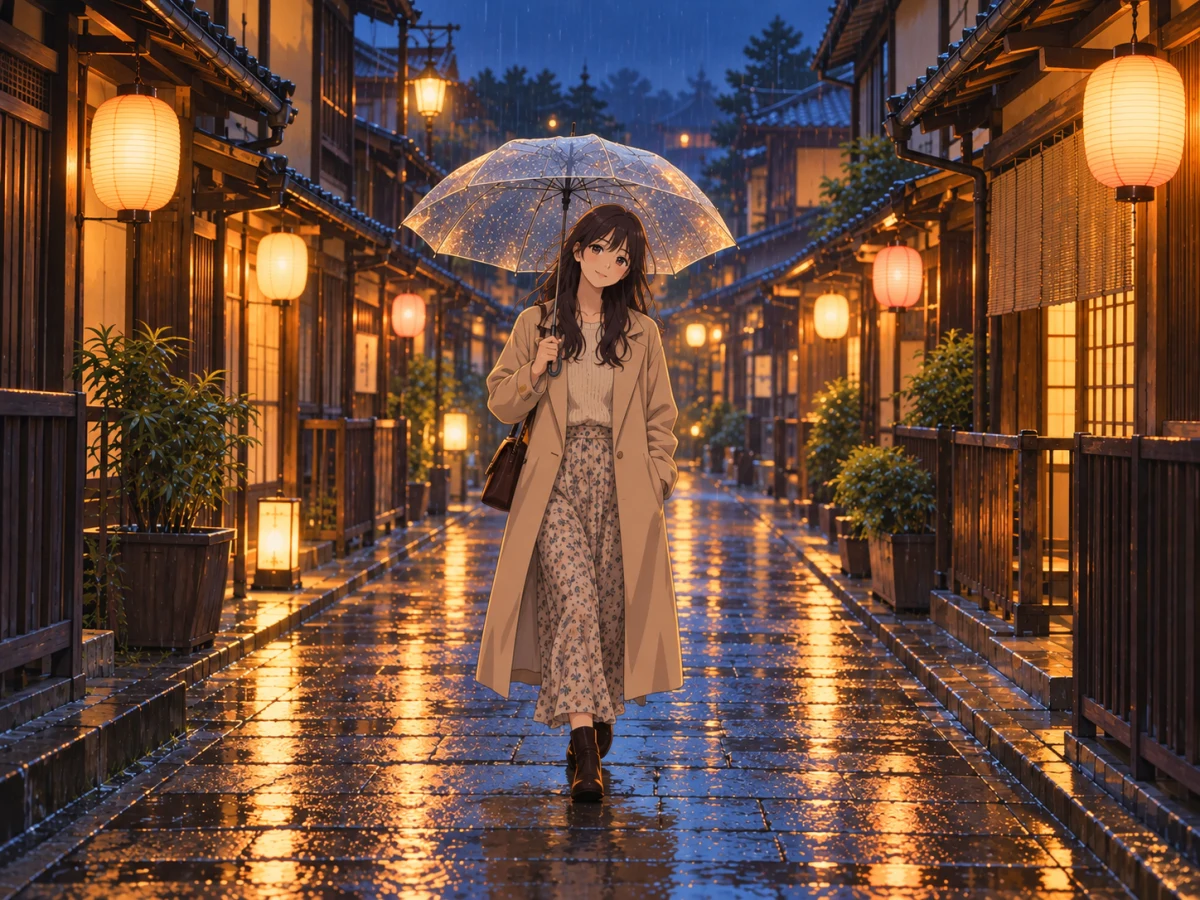
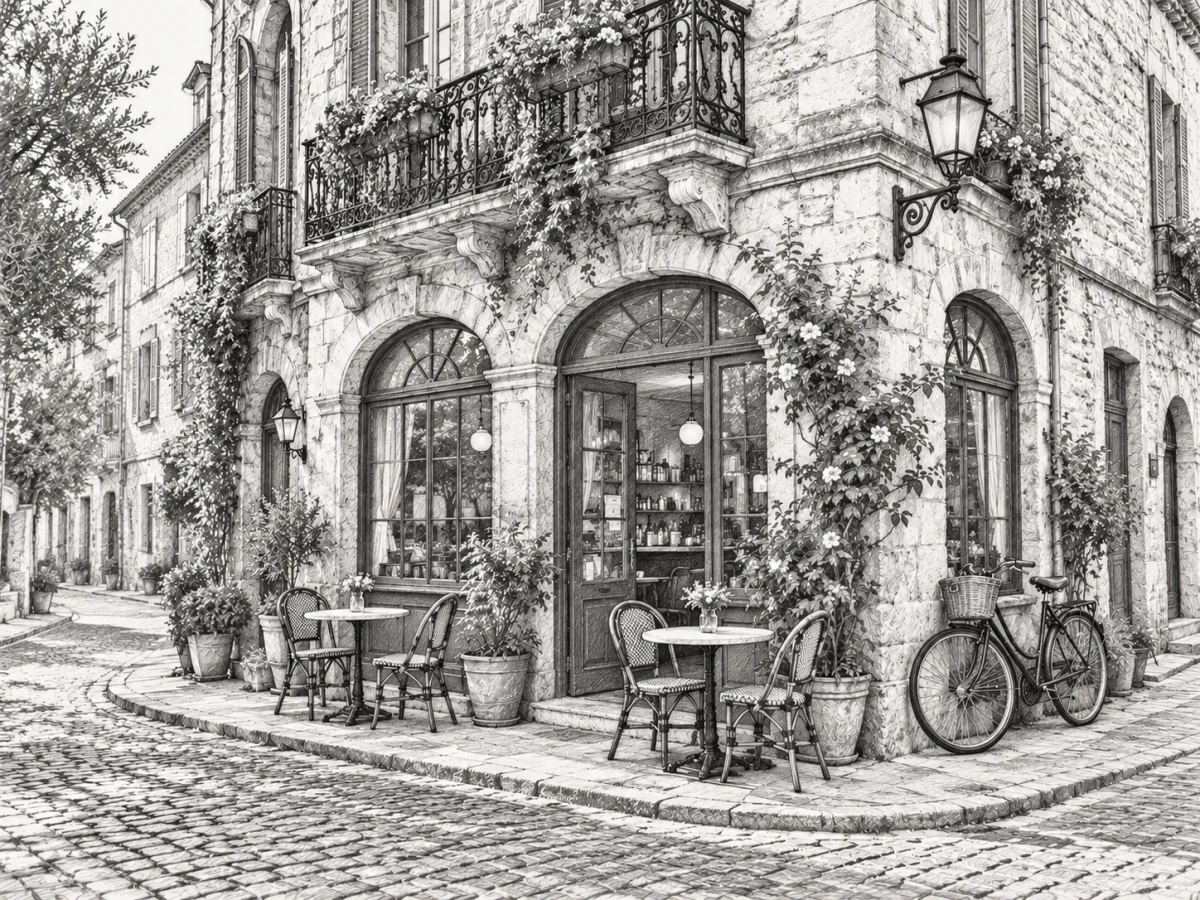
20 art styles, from comic book to ink wash
Every style is a fixed, tested style instruction — the same style shelf used by the Comicory comic maker — so results stay consistent from photo to photo.
| Style family | Styles | Good for |
|---|---|---|
| Western comics | Comic Book, Superhero, Graphic Novel | Posters, gifts, comic panels |
| Japanese & Korean | Anime, Manga, Shonen, Gekiga, Webtoon | Avatars, fan art, prints |
| Painted | Watercolor, Ink Wash, Hand-Drawn, Soft Anime | Wall art, cards, picture books |
| Cute & playful | Cartoon, Chibi, Pixel Art, Scribble | Stickers, memes, emojis |
| Film & mood | Realistic, Cinematic, Cyberpunk, Noir (B&W) | Wallpapers, album covers, thumbnails |
Comics and manga
Comic Book, Superhero, Graphic Novel, Manga, Shonen and Gekiga cover the classic print looks, from bold cel-shaded colour to black-and-white screentone.
Painted and hand-made
Watercolor, Ink Wash, Hand-Drawn and Soft Anime trade crisp lines for brushwork, paper texture and gentle colour.
Playful and cinematic
Cartoon, Chibi, Pixel Art and Scribble are made for fun and stickers; Realistic, Cinematic, Cyberpunk and Noir give a moody, film-like look.
What stays the same in a style transfer
The redraw changes the drawing style, not the scene. The prompt tells the model to keep the layout of your photo.
Composition and pose
People stay where they stood, with the same gestures and framing, and the background keeps its layout.
Recognisable people
Hairstyle, clothing and key features carry over. Chibi and Scribble change proportions on purpose, so likeness is weakest there.
Colour where the style allows it
Manga, Gekiga and Noir are strictly black and white; Ink Wash keeps only faint tints. Every other style keeps full colour.
Best photos for style transfer, and the limits
A clear, well-lit photo gives the model the most to work with.
Choose a sharp, well-lit shot
Faces towards the camera and even light give the cleanest result. Dark or blurry photos lead to muddier redraws in every style.
Hands and text
Fingers can come out wrong and writing on signs or clothes is often redrawn as nonsense. Crop them out or accept a stylised version.
Use it for photos you're allowed to use
Restyle your own photos or ones you have permission for. Don't use it to make images of people that could embarrass or mislead.
AI Style Transfer: questions
How do I change the style of a photo with AI?
Upload the photo, tap one of the 20 style cards and run. The redraw appears next to your original with a before/after slider, and you can download it after signing in.
Is the AI style transfer free?
The first try each day is free without an account. After that each redraw costs 2 credits at 1K, 3 at 2K and 4 at 4K, and credits are refunded if a run fails.
Which styles can I choose from?
Graphic Novel, Scribble, Ink Wash, Hand-Drawn, Comic Book, Manga, Anime, Shonen, Gekiga, Webtoon, Cartoon, Chibi, Superhero, Soft Anime, Watercolor, Noir, Pixel Art, Realistic, Cinematic and Cyberpunk.
Can I try several styles on the same photo?
Yes. Clear the result, pick another style card and run again — your photo stays loaded. Each run is billed separately.
Which AI model does the style transfer?
GPT Image 2.5, with Nano Banana 2 taking over automatically if the first model is unavailable. Styles are fixed presets, so there is nothing to write.
What happens to the photo I upload?
EXIF and GPS data are removed on upload. Guest files are deleted after 24 hours and free accounts keep files 7 days; you can delete them earlier from Account → Files.
Related tools
Other Style tools people use alongside this one.
- AI · 2 crNew
Photo to Anime
Redraw a photo in a clean anime style.
- Runs in
- Cloud GPU
- Max upload
- 25 MB
Style - AI · 2 crAI
Photo to Sketch
Turn photos into pencil or ink drawings.
- Runs in
- Cloud GPU
- Max upload
- 25 MB
Style - FREEIn browser
Photo Filters
One-click looks: film, mono, warm, fade.
- Runs in
- Browser
- Max upload
- 50 MB
Edit