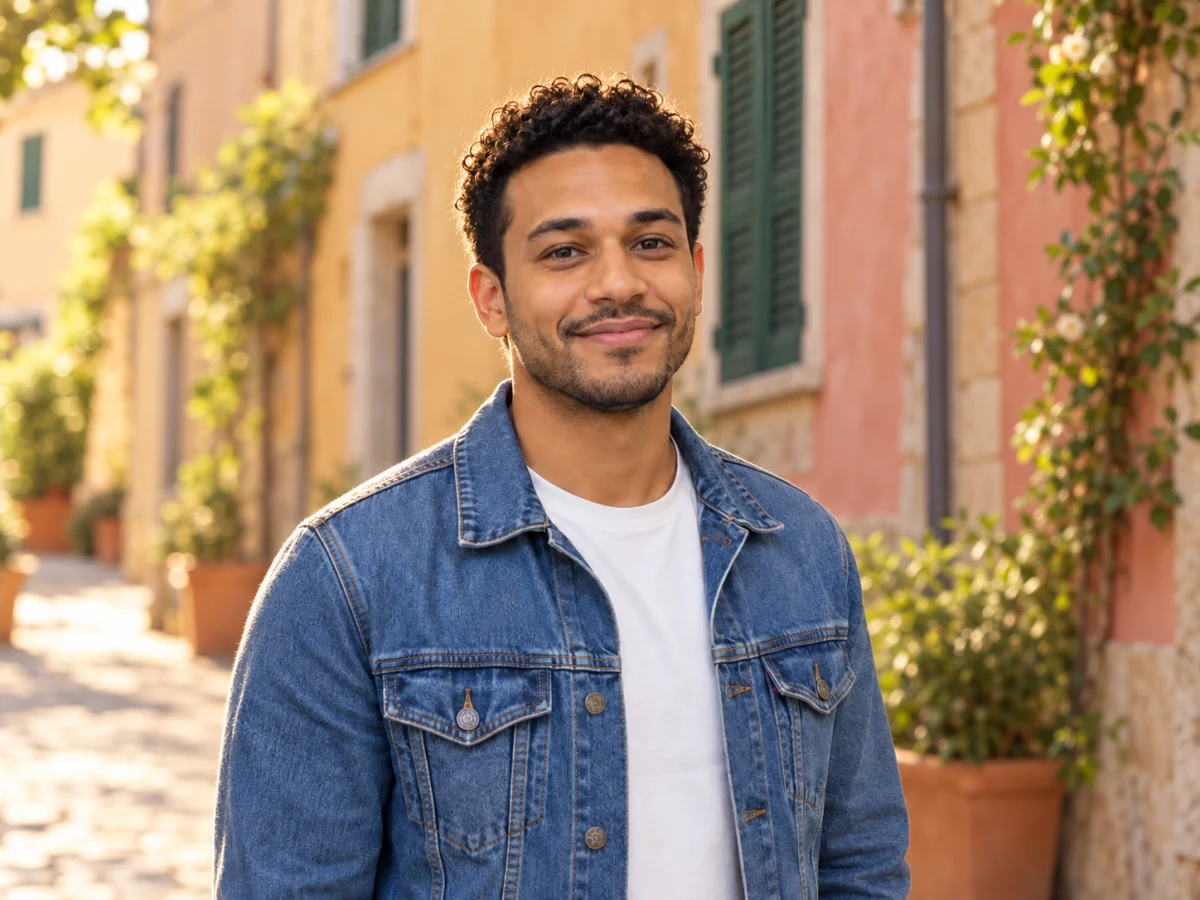
Options
Use your own photo
JPG · PNG · WebP · HEIC — resized to fit automatically
New background
Only the background is redrawn; the subject is kept as is. Output about 1 megapixel.
If processing fails, your credits are refunded automatically.
AI scene or cut-out: which background swap to pick
The two modes solve different problems. One redraws the surroundings to match your subject; the other keeps every pixel of the subject and changes only what's behind it.
| Difference | AI scene (2 cr) | Colour or photo (1 cr) |
|---|---|---|
| Background | Painted from your description | Your colour or your own photo |
| Lighting match | Adjusted to the subject, with a contact shadow | None — the subject is pasted as shot |
| Subject pixels | Redrawn by the model, kept very close | Untouched, full resolution |
| Output size | About 1 megapixel | Same as your upload |
Pick AI scene for a believable place
A portrait moved to a café, a product set on a marble counter: the model relights the edges so it doesn't look pasted on.
Pick colour or photo for exact control
Brand colours, a team-page backdrop or a background photo you already own — nothing about the subject changes.
What happens behind the scenes
AI scene sends your photo to an image-editing model with a fixed instruction: replace only the background and keep the subject identical. Colour or photo uses a cut-out model, then your browser does the compositing.
Your words are appended, not obeyed blindly
Your scene description is added after our instruction, so a request like "make her smile" won't override the rule to keep the subject unchanged.
Background photos never leave your device
In colour or photo mode the backdrop image is drawn in your browser. Only the subject photo is uploaded for the cut-out.
Limits worth knowing
AI scene can soften fine text on clothing and very small faces in group shots. For those, the cut-out mode keeps every detail.
Background swaps people actually use
A few jobs come up again and again. Each one suits one of the modes.
Profile and team photos
Put everyone on the same brand colour with the cut-out mode so the team page looks planned, even if photos came from different phones.
Product lifestyle shots
Describe a kitchen counter, a desk or a garden table and get a styled scene without a photo shoot.
Holiday photo, better backdrop
Crowds or scaffolding behind you? Replace them with a clean street or beach scene and keep yourself exactly as you were.
Change Background: questions
How do I change the background of a photo?
Upload the photo, then either describe the new scene (AI scene) or choose a colour or background photo (Colour or photo), and run it. The result appears next to the original with a before/after slider.
Why does AI scene cost 2 credits and the colour mode 1?
AI scene runs a full image-editing model that repaints the background. The colour or photo mode only needs a cut-out, the same work as our background remover, and the compositing is done free in your browser.
Will the AI change my face or clothes?
It's instructed to keep the subject identical, and in practice faces and clothing stay very close. Because the model redraws the whole frame, tiny details can shift; if they must stay pixel-exact, use the colour or photo mode.
Can I use my own picture as the new background?
Yes. In Colour or photo mode, upload any image as the backdrop; it's scaled to cover the frame behind your subject and stays on your device.
What size is the image with the new background?
Colour or photo keeps the size of your upload (up to 4096 px on the long side). AI scene returns about 1 megapixel; run the Image Upscaler afterwards if you need it larger.
Can I use the new-background photos for my business?
Yes, provided you have the rights to the original photo and to any background image you upload. Don't use it to place real people in situations that would mislead others.
Related tools
Other Background tools people use alongside this one.
- AI · 1 crPopular
Remove Background
Cut out the subject in one click, with clean hair edges.
- Runs in
- Cloud GPU
- Max upload
- 25 MB
Background - AI · 1 crAI
White Background
Pure white product shots for marketplaces.
- Runs in
- Cloud GPU
- Max upload
- 25 MB
Background - AI · 2 crNew
AI Image Extender
Extend the frame beyond the original edges.
- Runs in
- Cloud GPU
- Max upload
- 25 MB
AI Edit