Options
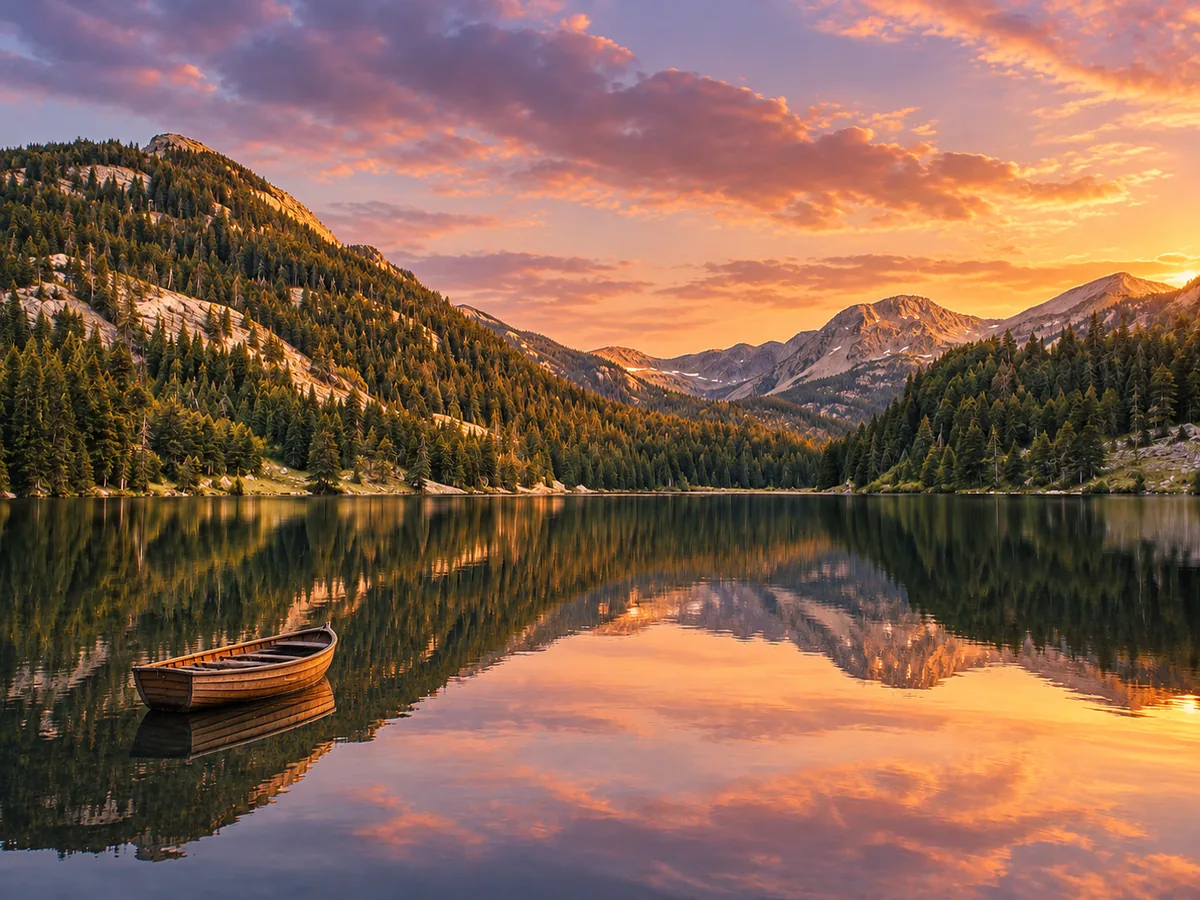
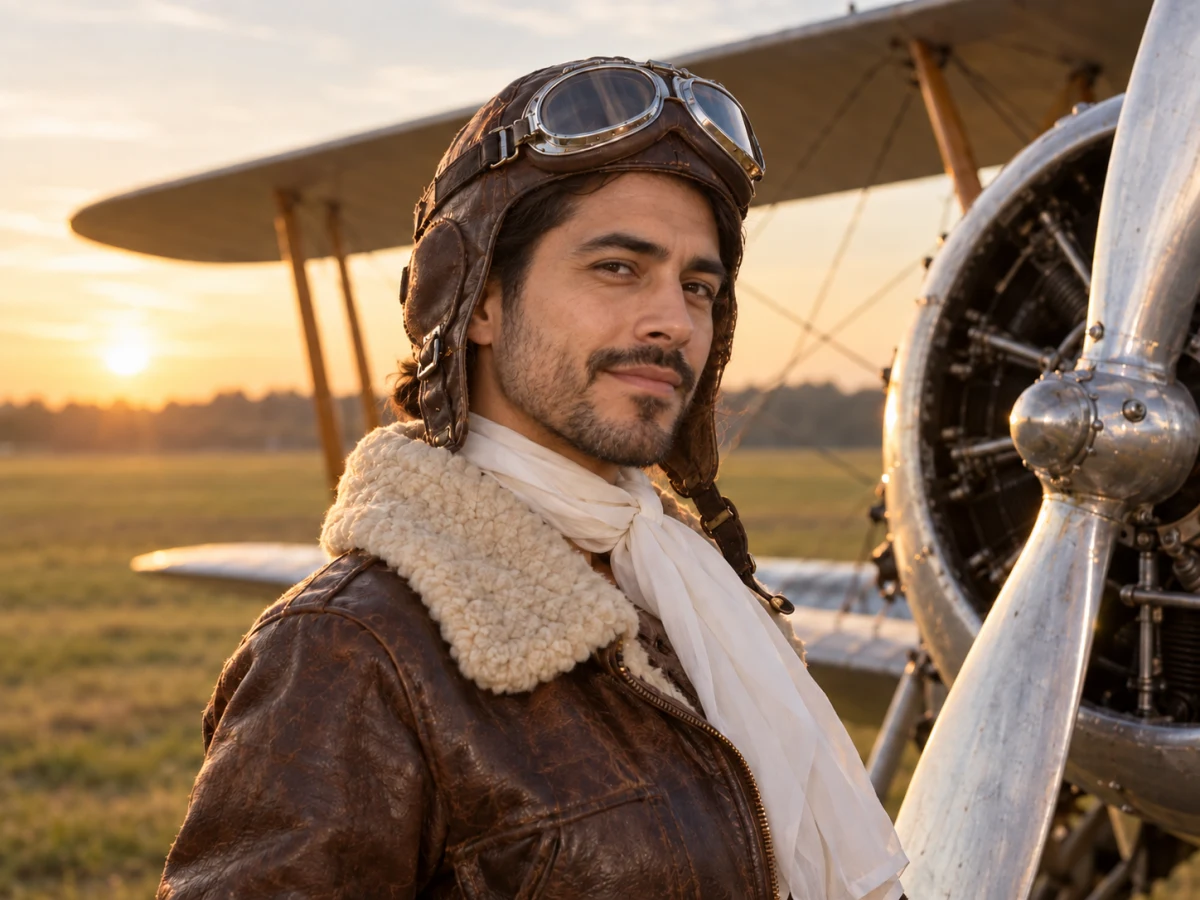
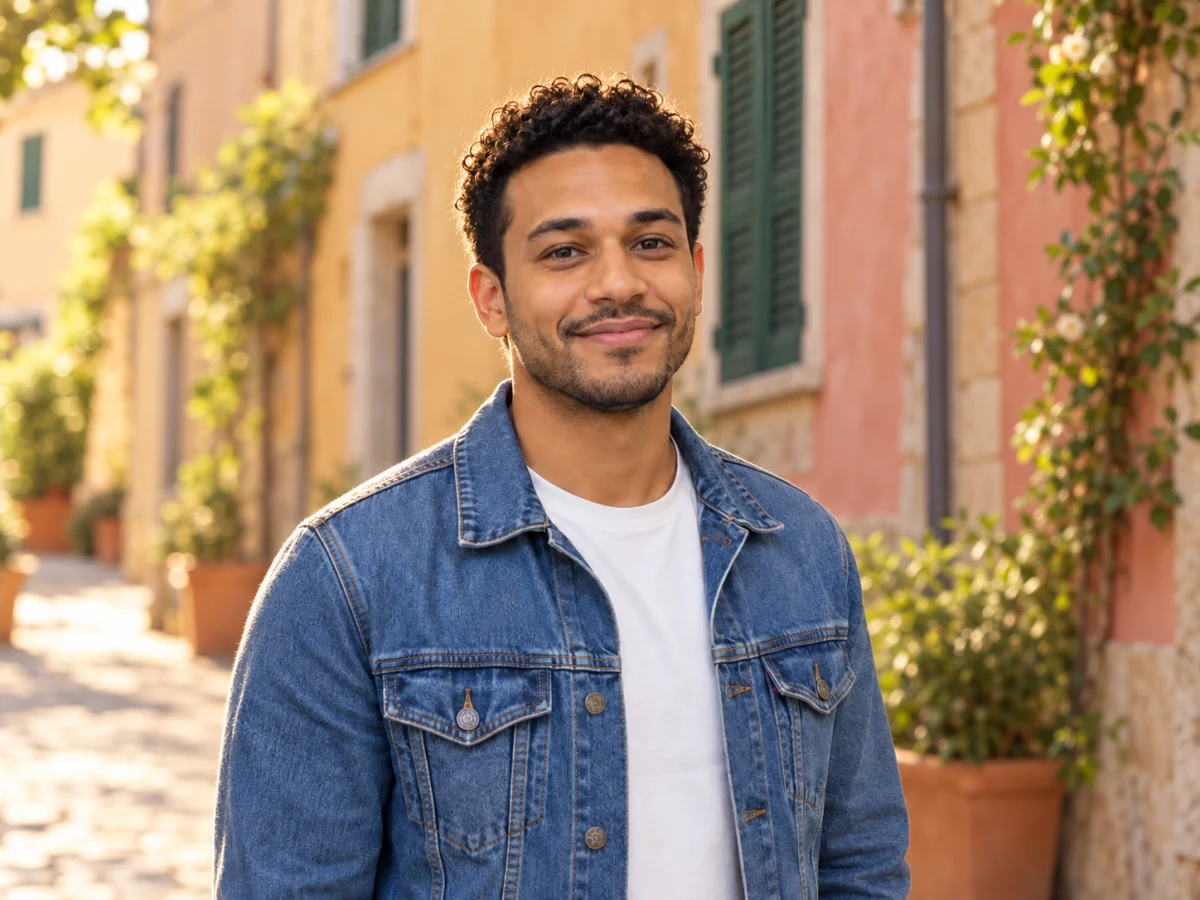
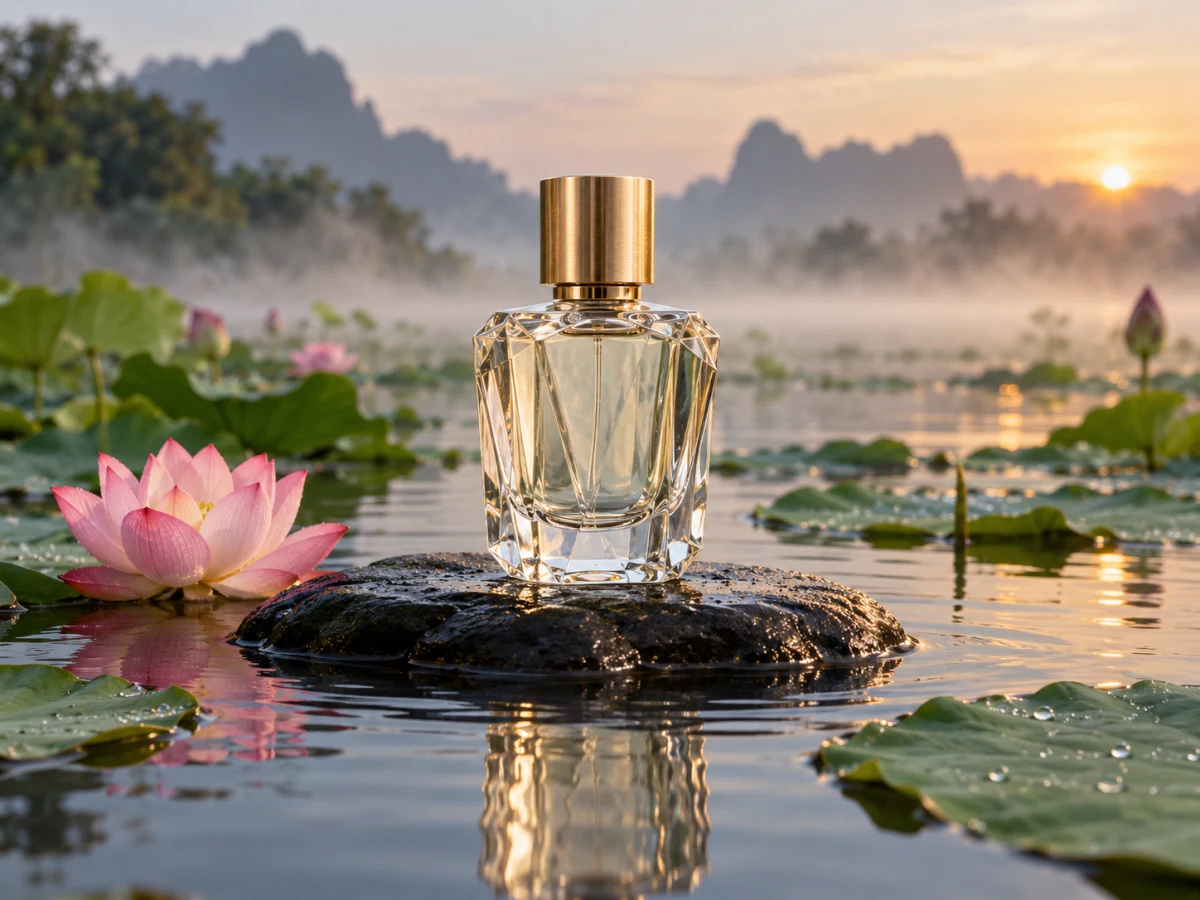
Add 2–4 photos
JPG · PNG · WebP · HEIC — up to 25 MB
Output resolution
If processing fails, your credits are refunded automatically.
Descriptions that make combined photos look natural
The model reads your photos in the order you add them and follows your text for everything else. Say who goes where, what they do and what the light is like — the table shows patterns that tend to work.
| What you want | Example description | What to expect |
|---|---|---|
| Two people, one photo | Person from photo 1 and person from photo 2 standing side by side on a beach at sunset, both smiling at the camera | Both faces kept; clothing from each photo; one shared sunset light |
| Product in someone’s hands | Person from photo 1 holding the bottle from photo 2 at chest height, studio grey background | Label shape kept; small label text may be redrawn or blurred |
| Pet joins the family | Family from photo 1 on a sofa, the cat from photo 2 on the armrest, warm living-room light | Works best when the cat photo shows the whole animal clearly |
| Team picture from separate selfies | The three people from photos 1–3 standing together in an office, waist-up, natural light | Likeness holds best with front-facing, well-lit selfies |
| Object into a room | The armchair from photo 2 placed in the living room of photo 1, next to the window | Perspective is adjusted; exact fabric pattern can drift |
Examples of phrasing, not guaranteed outputs. Results vary with the photos you upload.
Refer to photos by number
“Person from photo 1 on the left, dog from photo 2 sitting at her feet” is far clearer than “put them together”. The numbers follow the upload order.
Name one setting and one light
A single background and light source (“a café terrace at golden hour”) helps the model match shadows and colour so nobody looks pasted in.
Keep the action simple
Standing side by side, sitting at a table or holding a product works well. Complex interactions such as hugs or handshakes are where hands and overlaps go wrong.
How a combine run works, step by step
Everything before the model call happens in your browser, so a run is only charged once the inputs are valid.
1. Add 2–4 photos in a deliberate order
JPG, PNG, WebP and HEIC are accepted and converted in the browser. Put the main subject first: it tends to anchor the framing of the result.
2. Describe the scene
Write one or two sentences with placement, pose, setting and light. The description is required; without it the model has to guess the composition.
3. Pick a resolution and run
1K costs 2 credits, 2K costs 3 and 4K costs 4. The result appears next to your first photo for comparison, and you can download it once signed in.
Where combining still falls short
A combiner redraws the whole scene, so it is not a copy-paste tool. Knowing its weak spots saves credits.
Many faces at once
With four people, faces can drift or blend, especially small or side-on ones. For big groups, combine two or three at a time and check likeness before going further.
Hands, overlaps and text
Interlocked fingers, arms around shoulders and small printed text are the usual failure points. Keep subjects slightly apart and avoid relying on readable labels.
When a single edit is better
To change one photo — new background, new outfit, different light — the AI photo editor is simpler and keeps more of the original than a full combine.
AI Image Combiner: questions
How many photos can the AI image combiner merge?
Two to four per run. Fewer inputs usually means better likeness, so start with the essential people or objects and add the rest in a second pass if needed.
Will people still look like themselves?
Faces are kept recognisable in most runs when the source photos are sharp, well lit and roughly front-facing. Small, blurry or profile faces are the ones that drift, and likeness gets harder as you add people.
How many credits does combining photos cost?
One run costs 2 credits at 1K, 3 at 2K and 4 at 4K, whatever the number of photos. 2K needs the Popular pack or higher and 4K the Pro pack. If the run fails, the credits come back automatically.
Can I combine photos of other people?
Only if you have the right to use them and the people shown agree. Don’t use the AI image combiner to fake meetings, events or relationships, and never with photos of minors taken without their guardians’ consent.
Which model does the combining?
GPT Image 2.5, which accepts several reference photos at once. If it is unavailable, the run switches to Nano Banana 2 automatically, at the same price.
Is the result marked as AI-generated?
Yes. Every result carries AI-provenance metadata (an IPTC digital source type in XMP) so other tools can recognise it as AI-edited. Location and camera data from your uploads are removed.
Related tools
Other AI Edit tools people use alongside this one.
- AI · 2 crPopular
AI Photo Editor
Describe the change you want and watch it happen.
- Runs in
- Cloud GPU
- Max upload
- 25 MB
AI Edit - AI · 2 crAI
Face Swap
Swap faces between two photos you have rights to.
- Runs in
- Cloud GPU
- Max upload
- 25 MB
Portrait - AI · 2 crAI
Change Background
Swap the background for a colour, photo or AI scene.
- Runs in
- Cloud GPU
- Max upload
- 25 MB
Background